%20(1)-B86R08ZzwhPzS6UZbG3mSxRWPCwGwn.png)


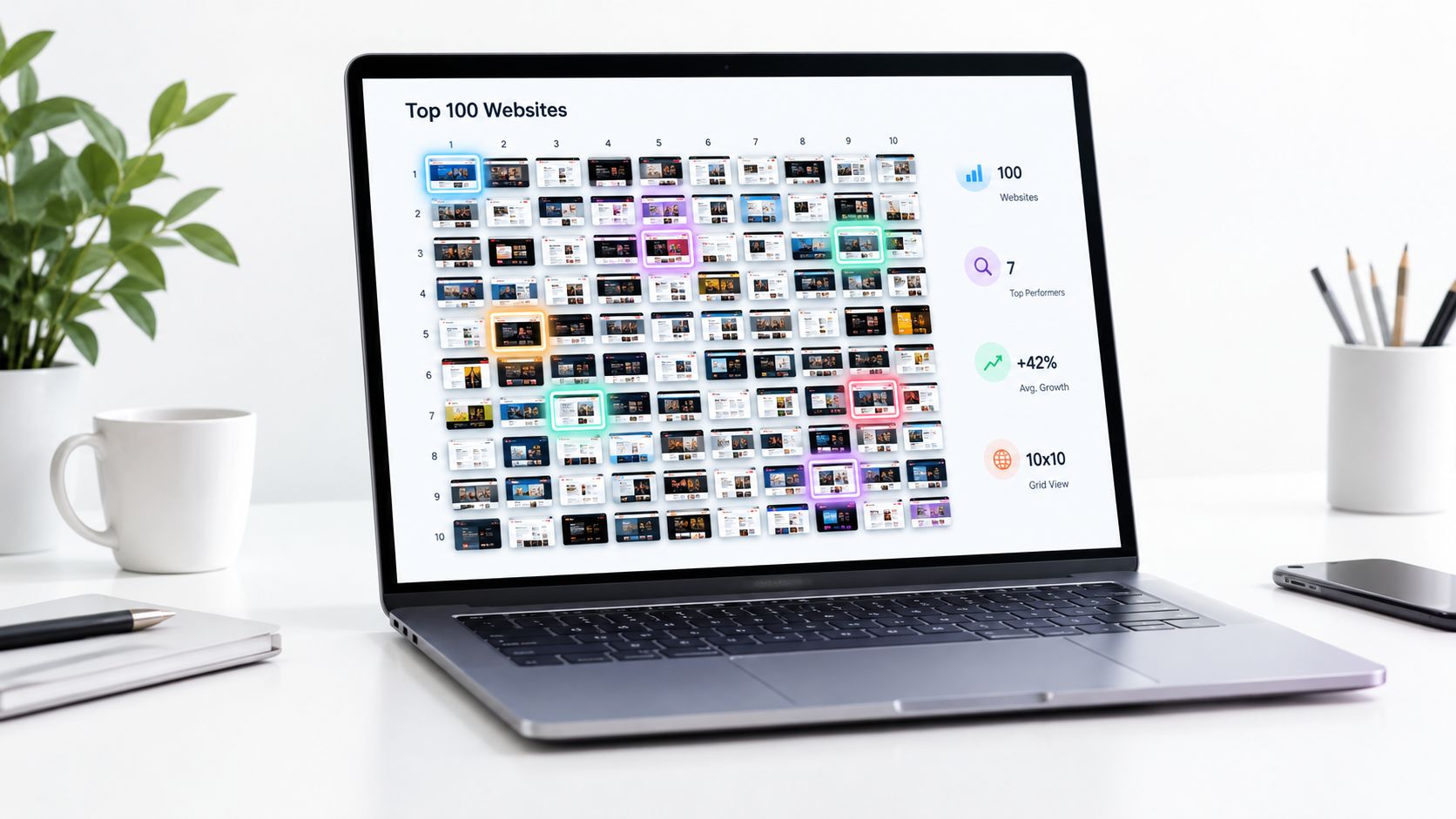
Two sites can call themselves a “top 100” list and still answer different questions. One may measure panel-based web visits, another may rank DNS lookups, and a third may aggregate other vendors' outputs. In practice, that means the position next to a domain is less useful than the method behind it. I've seen teams pick the wrong benchmark, then spend weeks explaining why their “rank” doesn't match sales activity, referral traffic, or competitive reality.
The safest way to use 100 top sites data is to start with the question, not the leaderboard. If I want broad market visibility, I reach for traffic estimates. If I want a reproducible research sample, I want a methodology built for that job. If I'm checking whether a domain is popular in a country or category, I cross-check a second source before I treat any single list as truth. That habit saves you from mixing websites, domains, and vendors that don't measure the same thing.
Spis treści
- 1. Similarweb Top 100 Most Visited Websites
- 2. Cloudflare Radar Domain Rankings
- 3. Tranco Research-Oriented Top Sites Ranking
- 4. Semrush Traffic Analytics via Search Engine Land
- 5. SE Ranking Top 100 Websites by Traffic in the US
- 6. Traffic Lens Top 100 Websites
- 7. Wikipedia List of Most-Visited Websites
- Top 100 Websites: 7 Ranking Sources Compared
- Pick One Ranking, Then Cross-Check It
1. Similarweb Top 100 Most Visited Websites
Similarweb measures what marketers want first, estimated monthly visits and movement over time. That makes it useful for client decks, market-share conversations, and quick prospecting. The public ranking is easy to scan, and the Similarweb Top 100 Most Visited Websites page gives you a clean entry point into the broader platform.
Where it helps, and where it skews
The strength is also the trap. A visit-based list is intuitive, but it can hide subdomain differences and it does not fully reflect app traffic. I've had teams use the headline rank as if it were a full digital footprint, then miss that the activity sat inside logged-in flows or mobile behavior that the list doesn't expose well.
For me, the right use is simple. I use Similarweb when I need a global benchmark and I want to explain why a site matters at scale. I don't use it alone when I'm auditing a niche product, a heavy-app brand, or a property where subdomains carry distinct intent.
A practical workflow looks like this:
- Start with the headline rank: Use the Top 100 to identify who sits in the same traffic band.
- Check category context: Compare similar intent groups, not just raw rank positions.
- Pair it with a second source: Validate the same domain against a DNS-based or research-oriented list before sharing the result.
- Treat paid features as a depth layer: The free list is enough for a quick read, but the deeper dashboards are where the analysis gets useful.
Praktyczna zasada: If you need one list for a slide deck and a quick narrative about market size, Similarweb is often the easiest to defend. If you need precision about how traffic is being measured, it's only the starting point.
If you want alternatives in the same comparison flow, I'd keep SemDash's Similarweb alternatives guide handy as a side-by-side reference, then compare the list against LLMrefs SimilarWeb alternative picks to see how other evaluators frame the same problem.
2. Cloudflare Radar Domain Rankings
Cloudflare Radar asks a narrower question than panel-based tools. It ranks domains from Cloudflare's 1.1.1.1 DNS resolver data, so the signal comes from resolution behavior, not estimated visits. I use it as a check against commercial traffic tools, not as a stand-alone verdict on demand. The public Cloudflare Radar domain rankings are easy to browse, and the methodology is clear enough for technical reviews.
Why DNS rankings behave differently
DNS-based rankings surface patterns that visit estimates can miss. They often pick up infrastructure-heavy properties, service domains, and other hosts that matter operationally but do not read like “top sites” in a marketing report. That gap is useful, because it shows real network activity. It is also a trap if you expect the list to map cleanly to content traffic.
In practice, I use Cloudflare Radar to sanity-check whether a domain's visibility holds up outside one vendor's model. It is also helpful for country-level comparisons, since a domain can look dominant in one market and ordinary in another. For competitive discovery, that broader DNS view can reveal awareness patterns before they appear in campaign reporting.
Use it this way:
- Cross-check disputed rankings: If two visit-based tools disagree, the DNS view helps show whether the domain still has broad activity.
- Treat regional filters as separate lenses: A strong local rank does not mean the same thing globally, so avoid merging the two without context.
- Filter out non-content hosts: Infrastructure and service domains can crowd the list, which makes it less useful for editorial or outreach work.
- Use the API for repeatable pulls only: The dashboards are free, but automation adds quota and token management. The free API token has a request ceiling that resets daily, so batch pulls instead of polling hourly.
The main limitation is conceptual. DNS observability is not user engagement, and it is not app usage. I would use it to confirm activity patterns, then pair it with a visit-based source before drawing a final conclusion.
3. Tranco Research-Oriented Top Sites Ranking
Tranco is the list I use when reproducibility matters more than presentation. It combines multiple signals into a manipulation-resistant popularity list, which is why researchers and security teams rely on it. The Tranco list is built for snapshots, downloads, and consistent scoping, not for a polished dashboard.
A commercial ranking tries to be easy to read. Tranco tries to be repeatable. That difference matters when I am building a crawl set, checking a technical test, or rerunning the same experiment later and need the scope to stay intact.
People usually misuse Tranco in two ways. They expect marketing metrics it does not provide, or they dismiss it because it does not look like an analytics product. Both miss the point. Tranco gives you a domain-centric list with a methodology you can cite and reuse.
Tranco is the list I trust when someone tells me, “We need the same 100 sites again next month, and we need to explain why those sites were chosen.”
Use it when the question is methodological:
- Stable snapshots: Useful for benchmarking, crawl selection, and longitudinal technical checks.
- Downloadable CSVs: Helpful when you need to automate audits or reproduce a sample.
- Transparent change logs: Important when the list has to stand up in research or security work.
- A less gameable input: Better than a single-source popularity list when manipulation risk matters.
It does not show visit counts, engagement depth, or business value. That is fine for technical sampling. It is a poor fit for prospecting or for explaining audience size to a commercial team. I use Tranco when I want the list to behave like research data, not a marketing report.
4. Semrush Traffic Analytics via Search Engine Land
I use this ranking when I want a second commercial estimate without logging into another dashboard. Search Engine Land's most popular websites guide publishes a Top 100 table built from Semrush Traffic Analytics, so it gives a different vendor view of the same domain set.
What it measures, and where it can mislead
Semrush's estimate is useful because it is built for traffic comparison, not for research sampling. That also means the numbers can drift from other rankings when channel mix matters. A site with heavy direct and referral traffic can look smaller or larger here than it does in another vendor's table.
I have seen that in audits. In one review, Similarweb put a domain near 40M monthly visits while Semrush estimated 22M for the same month. The gap traced back to direct and referral traffic that Semrush's clickstream panel under-sampled, so the ranking difference was a measurement issue, not a sudden drop in demand.
How I use it in vendor comparison work
I use this source to test whether a domain lands in the same band across tools, then I ask why it does not. That makes the ranking useful for client calls, competitor checks, and quick market scans without pretending it is the final word. For a broader view of where these tools fit, I also keep traffic estimation tools for ranking comparisons nearby.
For Shopify-focused work, I also check alternatives for Shopify SEO audits before I commit to a vendor stack.
The best uses are practical:
- Band checks: See whether two tools place a domain in roughly the same traffic range.
- Client explanations: Show that a rank shift can come from method, not from a real audience collapse.
- Fast screening: Use the public table before deciding whether a deeper review is worth the time.
- Competitive read-throughs: Spot when a rival's reach looks inflated or understated.
It is still a public article, so it does not replace the full Semrush environment. You get a quick estimate, not the full context behind it.
5. SE Ranking Top 100 Websites by Traffic in the US
SE Ranking is useful when the question is U.S. scope, not global reach. Its Top 100 websites by traffic in the US page narrows the view to one country, which makes it practical for local prospecting, U.S. campaign planning, and checks on how much share a site has inside one market. If the client cares about American traffic, a worldwide ranking can blur the answer.
The value here is in the filter. A domain can look ordinary in a global list and still matter a lot in the U.S. That split matters in outreach, SEO, and partnership work, because national relevance and worldwide popularity are not the same thing.
I use this ranking to shortlist domains that are visible in the U.S., then I compare them with a global source to see whether the strength is local, international, or both. The public page is free to access, so it fits early planning without forcing a platform login.
The trade-offs are straightforward:
- Country framing helps outreach: A U.S.-specific list is a better fit for American campaigns than a global leaderboard.
- Methodology still differs: A site can move because the measurement model changed, not because demand suddenly shifted.
- Update timing can vary: I do not use it as a real-time signal, so I pair it with a monthly SERP history check before I call a trend.
- Paid depth sits behind the ranking page: The public table is handy, but it does not replace the full platform.
This is the clearest case for being explicit about scope. If the market is the United States, a U.S. traffic ranking gives a cleaner read than a global average that blends every geography together.
6. Traffic Lens Top 100 Websites
Traffic Lens puts a current Tranco Top 100 snapshot into a cleaner interface. The list still comes from Tranco, but the page adds category tags, filters, and snapshot metadata, so the ranking is easier to read in a meeting than a raw file. The Traffic Lens Top 100 websites page is useful when you need a quick comparison without losing track of which snapshot you are looking at.
The ranking measures domain-level research data, so it works well for discovery and comparison. The trade-off is that the labels sit on the domain, not on each section of the site. A property that spans several verticals gets filed under one category, which can flatten how you interpret a brand with mixed content.
I use it for quick triage, not as the final word. It helps me spot likely competitors, separate broad categories, and explain a snapshot to stakeholders who do not want to read a CSV. The date and snapshot ID matter here, because they give you a clean audit trail if someone asks why a domain appeared where it did.
That makes the page useful in a few practical ways:
- Stakeholder briefings: Easier to discuss than raw research exports.
- Outreach targeting: Faster to spot prospects or competitors by category.
- Auditability: Snapshot metadata shows which list you saw and when.
- Category scanning: Tags like News and Social speed up interpretation.
Praktyczna zasada: If Tranco is the source you trust, Traffic Lens is the view I would use when I need to show that source to someone who does not want to read a data file.
The interface improves access, but it does not change the underlying method. You still need to remember that the category tags are assigned at the domain level, so one site can look narrower on the page than it really is in use.
7. Wikipedia List of Most-Visited Websites
Wikipedia's List of most-visited websites is useful because it puts several vendor rankings in one view. The catch is simple. It is an aggregator, not the primary measurement source. I use it as a quick comparison layer, then I go back to the original tools before I make any claim in a report.
Best use and common mistake
Use it to compare disagreement, not to settle methodology. If Similarweb and Semrush place a domain differently, Wikipedia gives you a fast side-by-side check without opening each vendor page. It is also handy when you are reviewing a deck and want to confirm whether a site shows up in more than one Top 100.
The mistake is treating the table like proof of method. It is not. The underlying rankings still matter, and the source pages are where the methodology lives. I have seen this go wrong in editorial work when a deck cited Wikipedia's table for a market-share claim, only for the underlying Similarweb figure to have been updated two months earlier.
Use it for speed, then verify the original source.
- Side-by-side visibility: Quick way to see how vendors place the same domain.
- Free access: No login, no dashboard, no extra setup.
- Editorial convenience: Useful for draft notes and reference checks.
- Source trail: The linked originals let you confirm the method when needed.
I open this list when I need a fast reference, not final evidence. That keeps the workflow clean and reduces the chance that a secondary summary gets mistaken for a primary dataset.
Top 100 Websites: 7 Ranking Sources Compared
| Resource Requirements | 🔄 Complexity / Effort | 📊 Data and Expected Outcome | ⭐ Ideal Use Case | 💡 Key Advantage |
|---|---|---|---|---|
| Similarweb – Top 100 Most Visited Websites, Free ranking; paid plan for advanced dashboards and exports | ⚡ Low effort to view; deeper analysis requires a paid plan | Monthly global visit estimates, rankings, and month-over-month changes | Global traffic benchmarking, trend tracking, and prospecting | Broad coverage and a familiar benchmark for presentations |
| Cloudflare Radar – Domain Rankings, Free dashboards and datasets; API requires a free token and may have limits | 🔄 Low effort to browse; API use requires setup | DNS-based domain rankings by country, with historical trends | Cross-checking domain popularity and exploring country-level patterns | Independent measurement perspective with documented methodology |
| Tranco – Research-Oriented Top Sites Ranking, Free browsing and CSV downloads | 🔄 Low effort to access; technical analysis may require working with downloaded data | Daily, averaged domain rankings designed for reproducible research | Academic or security research, benchmarking, and crawl scoping | Combines signals to reduce volatility and manipulation risk |
| Semrush Traffic Analytics via Search Engine Land, Free article; paid plan for Semrush dashboards | ⚡ Easy to view; limited filtering and exports in article format | Top 100 with monthly visit estimates based on Semrush data | Comparing vendor estimates and reviewing global traffic rankings | Free alternative source for triangulating market shifts |
| SE Ranking – Top 100 Websites by Traffic in the US, Free ranking page; paid platform access | ⚡ Easy to view; deeper platform analysis requires a paid plan | U.S. traffic estimates with category and SEO context | U.S.-focused benchmarking, outreach, and campaign research | Country-specific perspective for comparison with global lists |
| Traffic Lens – Top 100 Websites, Free to view | ⚡ Low effort; filters make the list easy to browse | Filterable Tranco snapshot with category tags and date information | Quick research, competitor discovery, and stakeholder briefings | Research-based rankings in a marketer-friendly interface |
| Wikipedia – List of Most-Visited Websites, Free access | ⚡ Very low effort; consult source providers for methodology details | Sortable, side-by-side rankings from multiple providers | Quick cross-vendor comparison and editorial reference | Convenient consolidated view with links to underlying sources |
Pick One Ranking, Then Cross-Check It
Choose the ranking that matches your question, then validate it with a second source before you call the result final. If you need broad market share, a visit-based list makes sense. If you need technical popularity signals, DNS-based rankings can be more revealing. If you need reproducible research data, use a list built for that purpose. If you need U.S.-specific planning, stay in the country-scoped view. A single “top 100” number means very little until you know what was measured, what was left out, and whether the list is ranking domains, websites, or an aggregated summary of other vendors.
That's why I treat 100 top sites work as a comparison exercise, not a leaderboard exercise. The value comes from seeing where Similarweb, Cloudflare Radar, Tranco, Semrush, SE Ranking, Traffic Lens, and Wikipedia agree, and where they don't. When the lists diverge, the gap usually tells you something useful about traffic model, geography, or intent. It can also tell you that the site matters in one context and not another, which is often the insight clients need.
If you're building a repeatable workflow around this, use SemDash for the surrounding competitive context, then pair it with a ranking source that fits the question at hand. That gives you a better way to judge traffic share, competitor discovery, and SERP visibility without leaning on one list that was never built to answer everything. For a broader view of AI brand visibility tools, you can also compare the category with AI brand visibility tool comparisons.
SemDash helps you compare organic traffic share, top pages, keyword gaps, and AI Overview visibility in one place, which makes it easier to turn a broad “top sites” list into a real competitive workflow. If you want to move from leaderboard browsing to domain-level analysis, visit SemDash (SemDash) and use it to map the sites that matter in your market.