%20(1)-B86R08ZzwhPzS6UZbG3mSxRWPCwGwn.png)



The most popular advice about SEO audit software is to choose the product with the most checks. I'd start elsewhere: an audit tool is only as useful as the decision it helps you make. A longer issue list doesn't tell me what to fix, what to ignore, what to test in staging, or which problem deserves another developer's time.
I want evidence that connects a finding to an affected page, a likely consequence, and a practical next step. If a product flags duplicate pages, I need to distinguish intentional variations from competing landing pages. If it reports declining visibility, I need to investigate technical regressions, changing intent, and search results that answer the query before anyone clicks.
That's why I'd compare these options by workflow rather than declare a universal winner:
- Research-led discovery: Connect competitor keywords, backlinks, and search results to content decisions.
- Technical crawling: Inspect responses, rendering, internal links, canonicals, and indexability.
- Monitoring and validation: Detect regressions and verify fixes against search performance.
- Log analysis and enterprise scaling: Compare crawl findings with bot activity and operational requirements.
My standard for a useful report is straightforward: can I turn the evidence into an implementation ticket with acceptance criteria? For the broader marketing context, I'd pair technical findings with site audit analysis for marketers, rather than treat every warning as a development emergency.
These are the 10 practical options I'd evaluate, including where SemDash fits when the requirement is competitor-led keyword, backlink, and content planning rather than technical crawling alone.
Spis treści
- 1. SemDash
- 2. Semrush Site Audit
- 3. Ahrefs Site Audit
- 4. SE Ranking Website Audit
- 5. Screaming Frog SEO Spider
- 6. Sitebulb
- 7. Moz Pro Site Crawl
- 8. Lumar
- 9. JetOctopus
- 10. Oncrawl
- Top 10 SEO Audit Software Comparison
- Choose the Audit Workflow, Then the Tool
1. SemDash
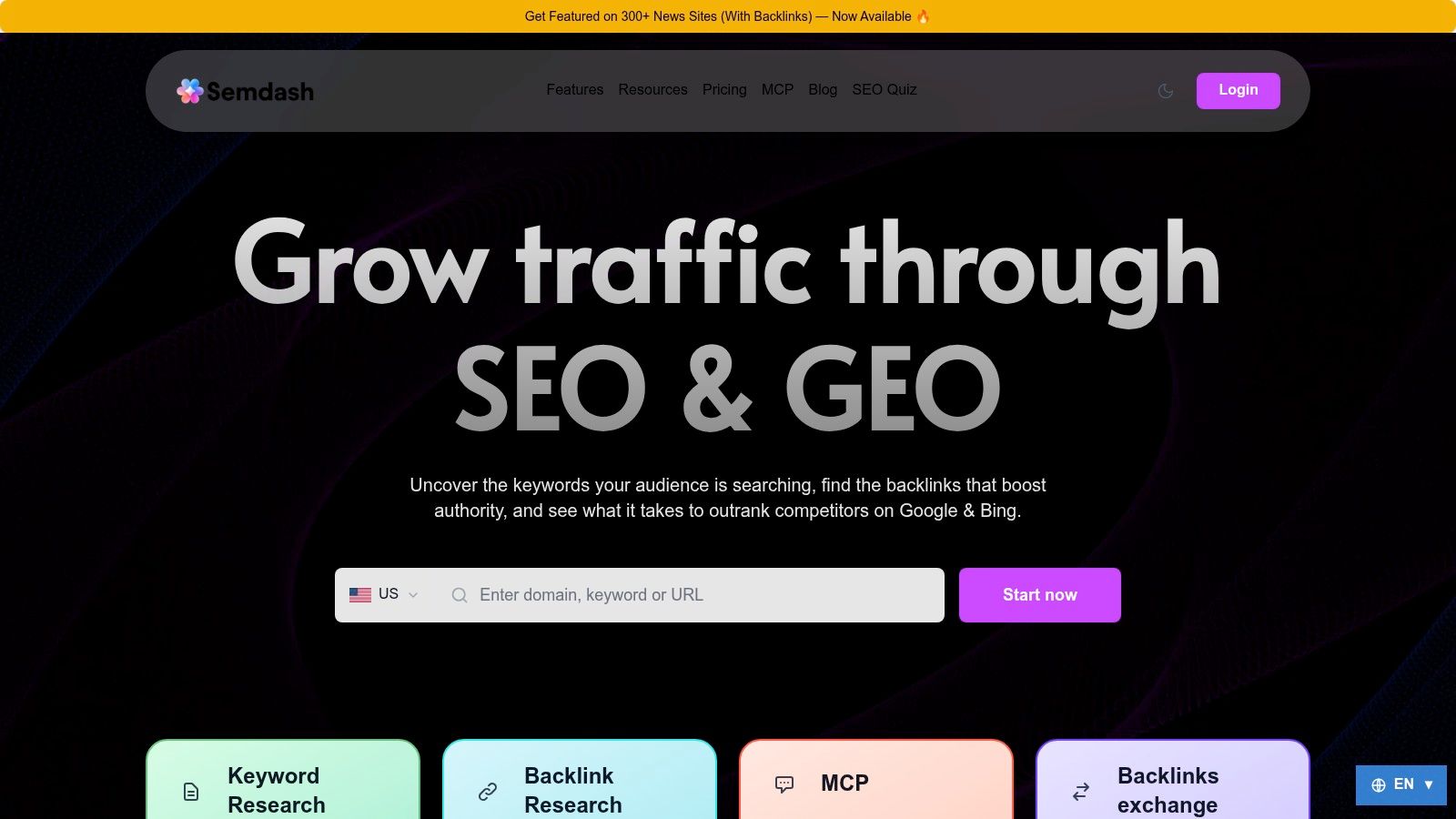
For research-led audits, I'd shortlist SemDash (SemDash) when the question is which pages to build, refresh, consolidate, or support with outreach. It plays a different role than a configurable technical crawler, so I'd score it on how well its evidence converts into page decisions rather than on crawler-style issue counts.
SemDash's published product data lists a 6.6-billion-keyword database, a 2.7-trillion-link index, and 12 months of SERP history, alongside domain comparisons, keyword gaps, and URL-level ranking data. I treat those figures as vendor-reported claims and would verify coverage against my own query sets before trusting them for a market I work in.
Turn research into page-level decisions
My starting point would be a commercially relevant topic, not an unrestricted keyword export. I'd compare competitor domains, inspect their top pages, and group relevant gaps into existing-page improvements or missing content.
- Content planning: Use intent analysis, clustering, and AI-assisted briefs as starting points, then review the live results before approving a page.
- Authority research: Investigate backlink gaps, unlinked mentions, and broken backlinks for relevant outreach or recovery opportunities.
- AI visibility: Record the exact URLs cited in Google AI Overviews, rather than equating a ranking improvement with answer visibility.
For data freshness, the platform reports keyword updates within the last 30 days, more than 15 billion links crawled in 24 hours, and 600 million SERPs refreshed monthly. I'd still validate decisive opportunities against the current result page, particularly when search intent looks unstable.
Where I'd draw the boundary
Keep technical verification separate. Confirm crawlability, canonical targets, rendering, and indexability with crawl evidence, because research can prioritize a landing page but cannot test its implementation.
Customer feedback describes a fast, approachable interface, although I'd test keyword coverage and bulk-domain requirements myself. A reviewer's concern about fewer keywords than Ahrefs is a reason to compare relevant query sets rather than assume either database wins universally.
Use the free trial, Academy, tutorials, roadmap, community resources, and live calls to evaluate fit. Verify subscription costs and allowances before committing, and review the optional news-placement service for editorial relevance and policy compliance rather than treat purchased distribution as guaranteed ranking value.
2. Semrush Site Audit
I'd choose Semrush Site Audit when I want technical findings inside the same working environment as keyword, backlink, rank-tracking, and competitor research. That's a practical fit for an agency or in-house team responsible for both diagnosis and the subsequent organic-search plan.
Semrush checks more than 140 technical and on-page issues, including broken links, duplicate content, HTTPS, and international SEO attributes, according to its Site Audit product information. I wouldn't use that count as the buying argument; I'd test how easily I can connect an issue to an important landing page and monitor its resolution.
Connect the warning to the opportunity
For a category page losing visibility, I'd inspect crawl findings alongside its queries and competitor pages. If the page has a technical defect, I'd document that separately from any content or intent mismatch so the developer doesn't receive an ambiguous request to “improve SEO.”
- Implementation: Connect Google Analytics and Search Console where appropriate, then define the scope of ongoing audits.
- Interpretation: Separate sitewide template defects from isolated page warnings.
- Actionability: Attach affected URLs, expected behavior, and a retest method to each recommendation.
I'd consider the broader AI-search visibility capabilities when answer visibility is part of the reporting requirement. I'd still distinguish traditional rankings, AI mentions, and citations instead of combining them into an unexplained visibility score.
The trade-off is breadth. If I only need a crawler, I may be buying research capabilities I won't use, and higher-tier subscriptions may be difficult to justify for a smaller operation. I'd favor Semrush when the wider toolkit will influence decisions between audits, not merely sit beside an occasional technical report.
3. Ahrefs Site Audit
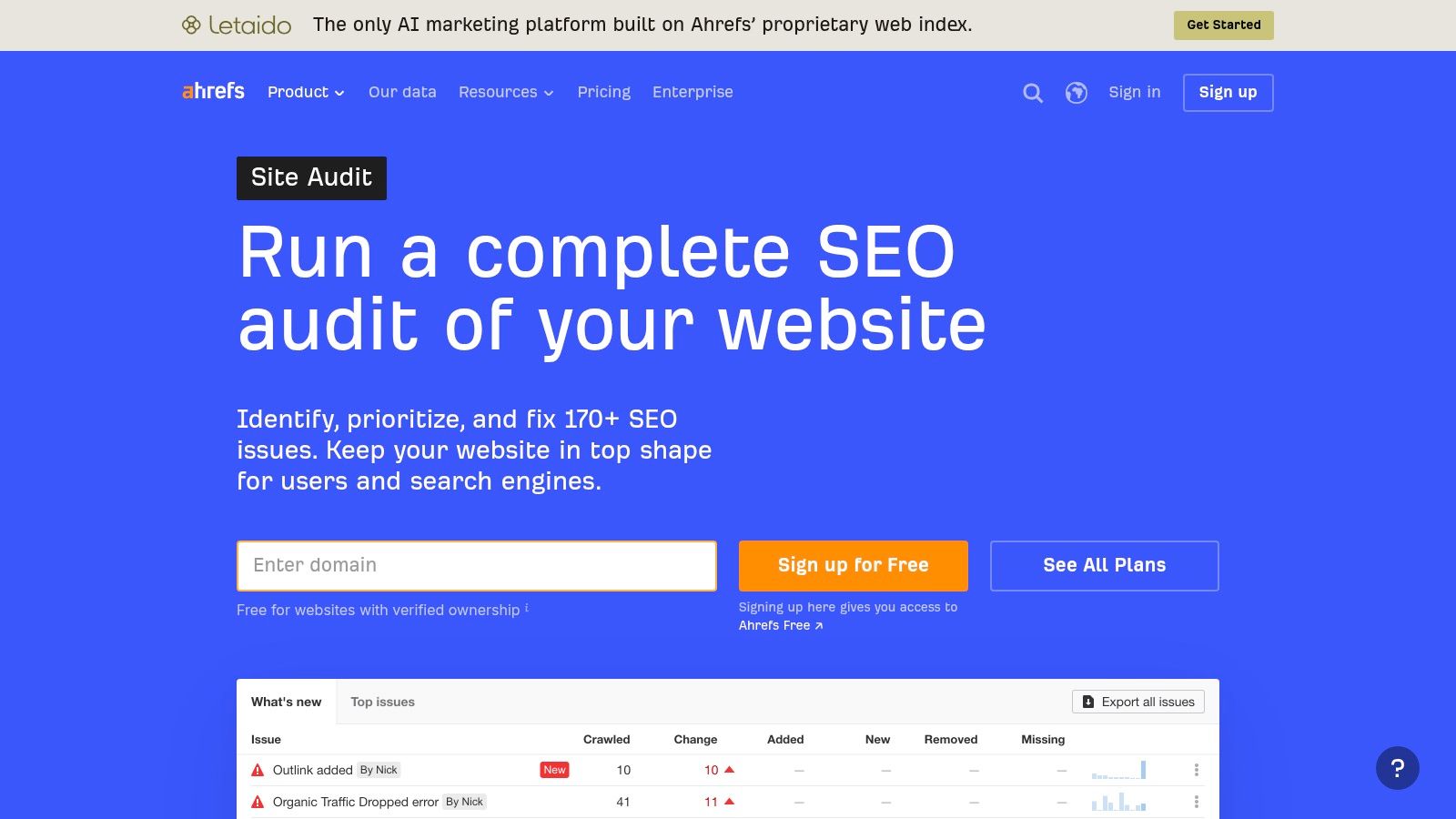
For a site already being researched in Ahrefs, I'd evaluate Ahrefs Site Audit before adding another subscription. I can investigate technical and on-page findings while keeping keyword, competitor, and backlink research within the broader suite.
I'd also consider its free auditing access for a verified website as a starting point, while checking usage restrictions before defining the audit scope. For recurring or always-on auditing, I'd review the paid plan's crawl credits and project allowances against the actual workload.
Follow the relationship between URLs
My priority wouldn't be an overall health score. I'd inspect whether an important page is discoverable, returns the intended response, points to an appropriate canonical, and receives relevant internal links.
Praktyczna zasada: I don't treat a successful crawl as proof that a page is indexable, or an indexable page as proof that it deserves to rank.
I'd use Google's crawling and indexing documentation to keep faceted navigation, canonicalization, status codes, and duplicate handling distinct. For example, I'd investigate whether filter combinations create unnecessary crawl paths before recommending that every variant remain accessible.
For multilingual or regional pages, I'd extend the investigation with an international SEO audit, rather than assume the same checks answer every localization question.
The advantage is research continuity when I already use Ahrefs. The limitation is capacity planning: I'd verify allowances before scheduling heavy recurring crawls, and I wouldn't assume free ownership-verified access covers competitor auditing or unrestricted use. My acceptance test would be a reproducible URL-level diagnosis, not a cleaner dashboard.
4. SE Ranking Website Audit
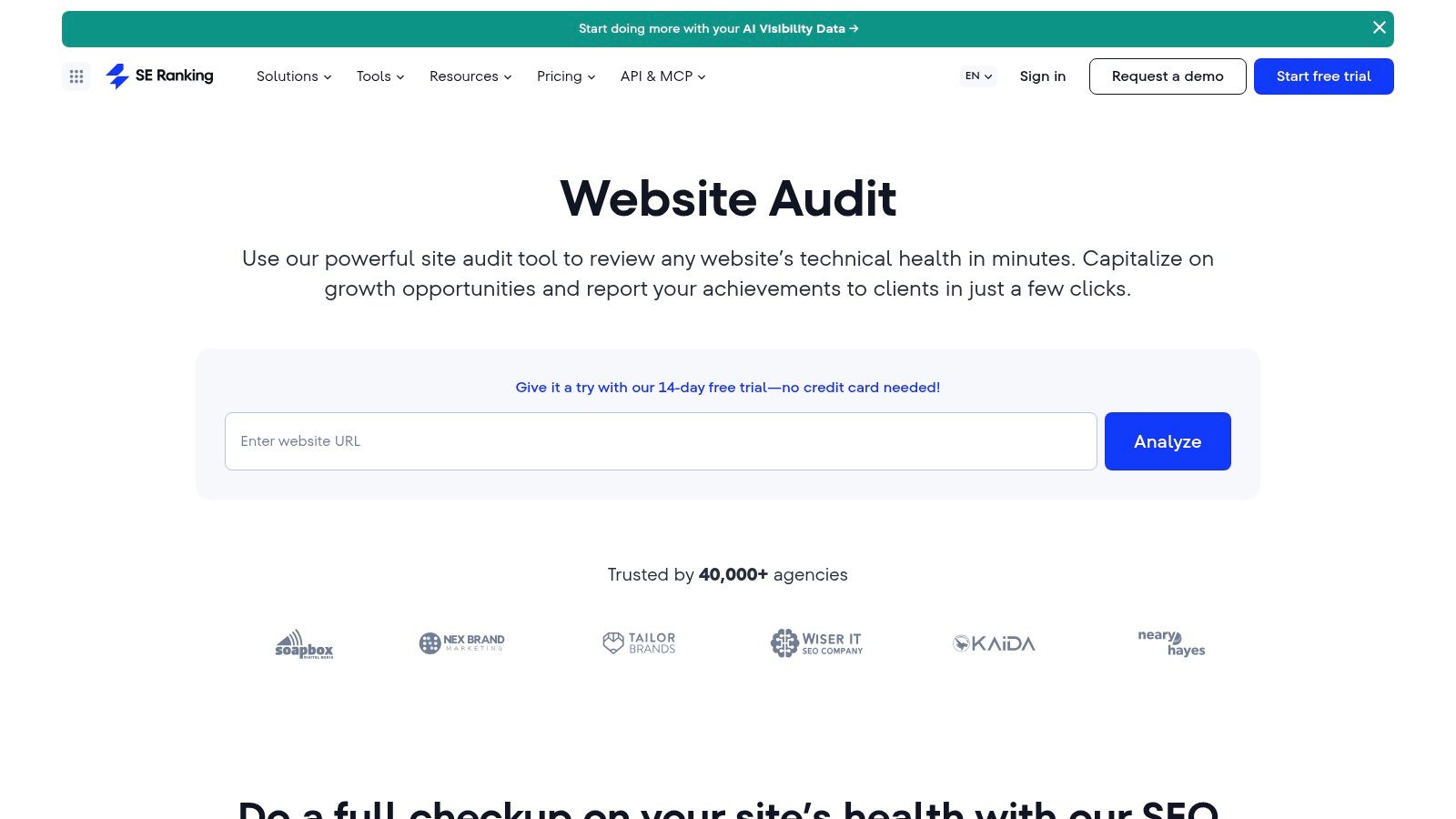
A stakeholder usually approves a fix faster from a clear report than from a raw crawl export. I'd consider SE Ranking Website Audit for audits that have to travel beyond the SEO team, especially when shareable standalone audits and downloadable PDFs help get implementation signed off.
The crawl covers crawlability, indexability, response codes, redirects, links, metadata, security, and speed. I'd start at the health view for orientation, then move straight to affected URLs and group them by template or page type. A recurring title-tag fault should be traced to the template, field, or publishing step that produces it, with an owner named in the recommendation.
My report needs three things to survive a meeting: the affected page type, representative URLs, and the expected output after the fix. After changes ship, I rerun the audit and inspect those URLs before closing the task.
One access check saves bad conclusions. If a CDN or security layer blocks the crawler, missing pages are evidence of an access problem first, not an SEO failure, so I'd arrange approved crawl access instead of asking the client to weaken protection.
The trade-off is subscription fit. SE Ranking earns its place when I also use its keyword research and rank tracking; for isolated technical diagnostics, the wider platform may be more than I need. I'd choose it when interpretation and client communication decide whether fixes happen, and I'd still require every polished recommendation to resolve back to URLs I can verify.
5. Screaming Frog SEO Spider
Screaming Frog SEO Spider earns its place when a crawl has to answer a narrow technical question. I use it as a controlled instrument: set the scope, render only if the hypothesis needs JavaScript, extract the fields that prove a template fault, then export URLs a developer can retest.
A deployment gives the cleanest test. After a release, I run the same configuration against the same sections, compare status codes, canonical targets, redirect hops, and inlinks, then mark whether each delta comes from code, content, or crawl access. That turns a crawl into a decision: keep, patch, or roll back.
| Audit question | Evidence I pull | Fix I hand over |
|---|---|---|
| Are internal links leaking through redirects? | Redirect chains, inlinks, anchor text | Point links at the final URL or update the template |
| Do canonicals match the intended landing pages? | Canonical targets, indexable status, parameter handling | Correct the canonical rule or consolidate the URL set |
| Did the release change discoverability? | Same-section crawl comparison, response codes, directives | Keep, patch, or revert the responsible change |
The free tier suits small checks; the paid licence is the practical choice for larger sites. Either way, memory, storage, rendering mode, and exclusions still decide whether the crawl finishes cleanly, so I size the job before promising a full inventory.
For non-specialists, I translate rows into page type, example URLs, and the expected post-fix state. A plain-language website SEO checker can give a stakeholder the wider context first, while the export remains the implementation evidence.
The cost is interpretation. Screaming Frog SEO Spider gives direct control, yet the output only becomes useful when someone configures it well and owns the recommendation. I would pick it for technical crawling where precision matters more than presentation.
6. Sitebulb
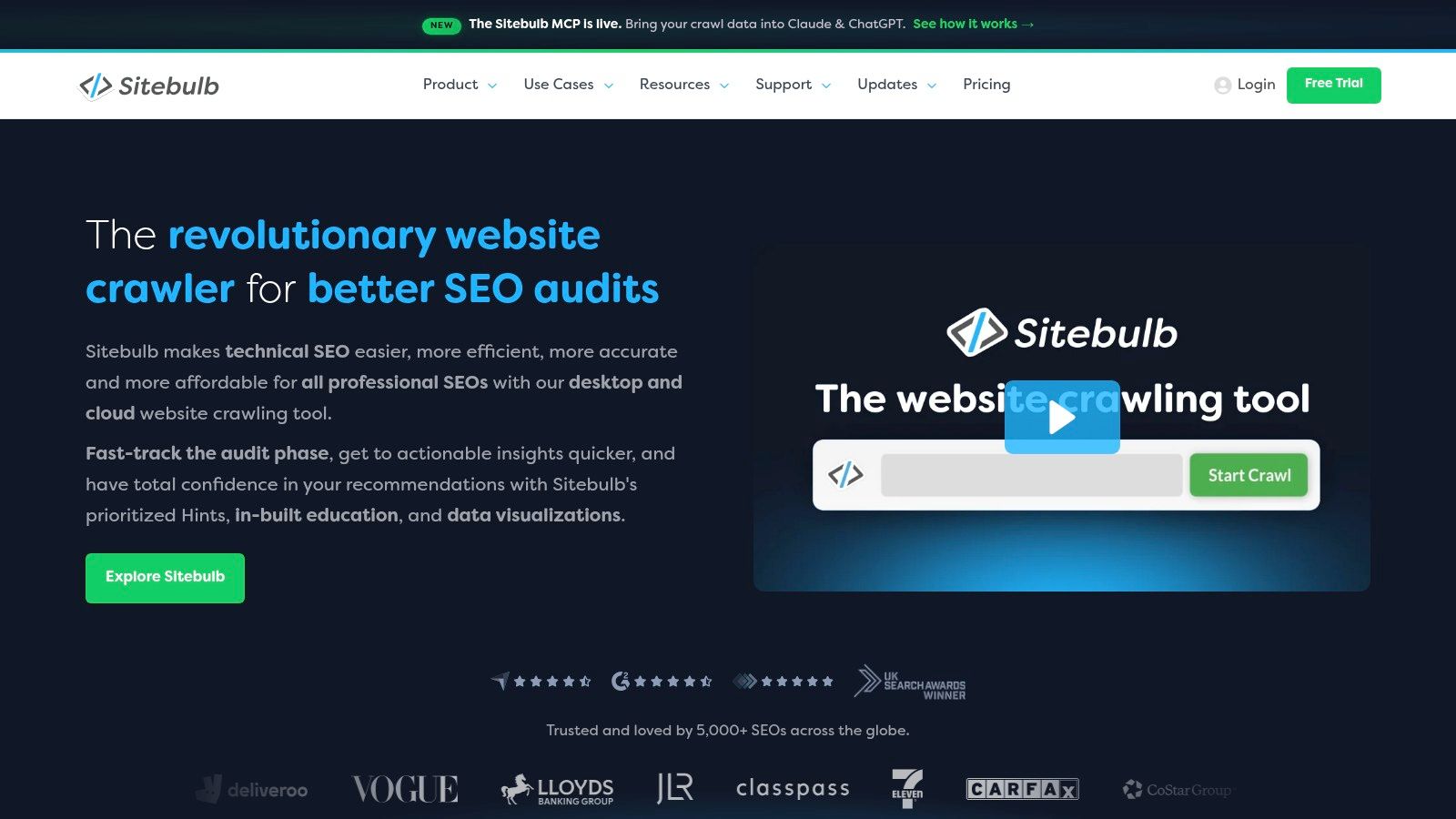
I'd shortlist Sitebulb when explaining a technical problem is nearly as important as detecting it. Its visualizations, prioritized hints, and educational guidance suit an audit that needs to become a shared conversation with developers or clients.
Sitebulb lists more than 100 hints in Lite and more than 300 in Pro, plus a 14-day desktop trial without a credit card, in its desktop product information. I'd use the trial to test whether those explanations help my team reach a decision, not reward the larger hint count.
Use the visual explanation to test the cause
For an internal-linking concern, I'd inspect the relevant page relationships and ask whether the problem follows a template or navigation rule. I'd then write the proposed change in terms the implementation team can verify.
I'd rather present an understandable explanation of the affected page relationships than a larger warning count without a clear fix.
I can use JavaScript crawling, audit comparisons, scheduled audits, and connections to Analytics, Search Console, and Google Sheets to support that workflow. I'd distinguish an audit comparison from an outcome evaluation: fixing the flagged condition and improving search performance are separate checks.
Desktop versus Cloud is an operational choice. I'd use desktop for an individual workflow if my hardware is suitable, and evaluate Cloud when collaboration or crawl scale makes local execution awkward.
The limitation is still judgment. I wouldn't promote every prioritized hint into an urgent ticket without checking the page's purpose and organic relevance. Cloud may also be more investment than occasional small-site audits warrant, so I'd compare the working arrangement and actual crawl needs before choosing a package.
7. Moz Pro Site Crawl
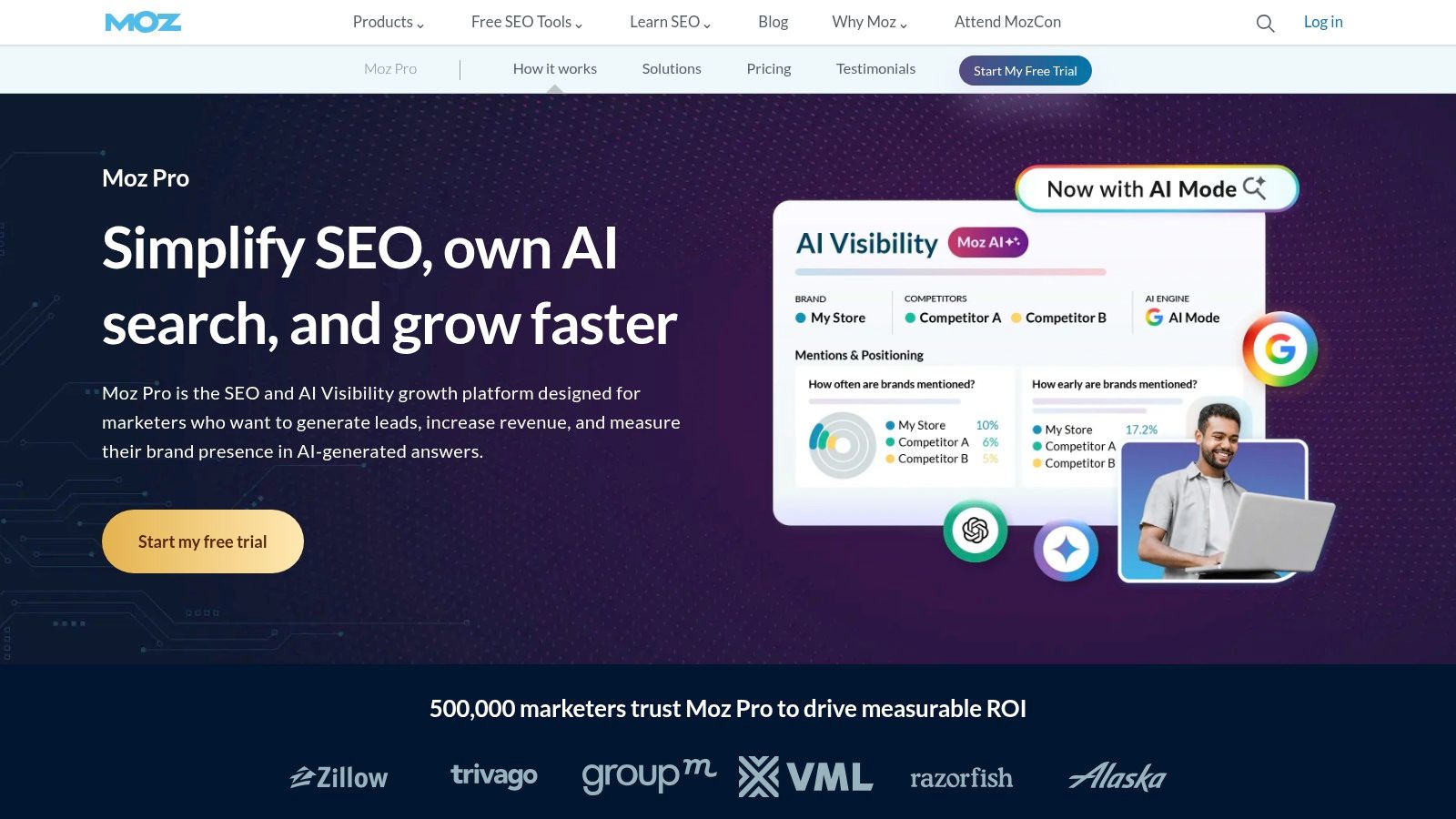
A weekly crawl report flagging three new broken landing pages tells me something I can act on. The same report listing the same forty warnings I ignored last month tells me nothing.
Moz Pro Site Crawl makes sense when routine monitoring inside an existing SEO suite is the actual job. If a team already pays for Moz to handle keyword research, ranking reports, or link analysis, the crawl workflow can absorb recurring checks without adding another subscription. I would treat it as a change detection layer rather than a deep technical instrument, and judge it on how quickly it surfaces regressions.
Sort the recurring from the noise
I run the output through three questions. Did something new appear on a page we intend to rank? Does a repeated issue trace back to a template or publishing rule? Does a warning carry a documented reason it can wait? When a publishing update reintroduces missing metadata across a section, the fix belongs in the publishing rule, not in dozens of individual page edits. That distinction is what separates monitoring from backlog grooming.
The ordering follows the basic search workflow described in Google's SEO Starter Guide: discovery and access come before any meaningful evaluation of content or rankings. I would also confirm that key CSS and JavaScript files are reachable, since a clean HTML response does not prove the rendered page works.
Moz Pro is a weaker choice when an audit demands extensive crawl configuration or raw technical exports. I would rather run a dedicated crawler for that work and keep Moz in the monitoring role. Before committing, confirm pricing, trial availability, and crawl limits for the subscription under consideration, because convenient monitoring pays off only when the allowance and reporting workflow match the sites you manage.
8. Lumar
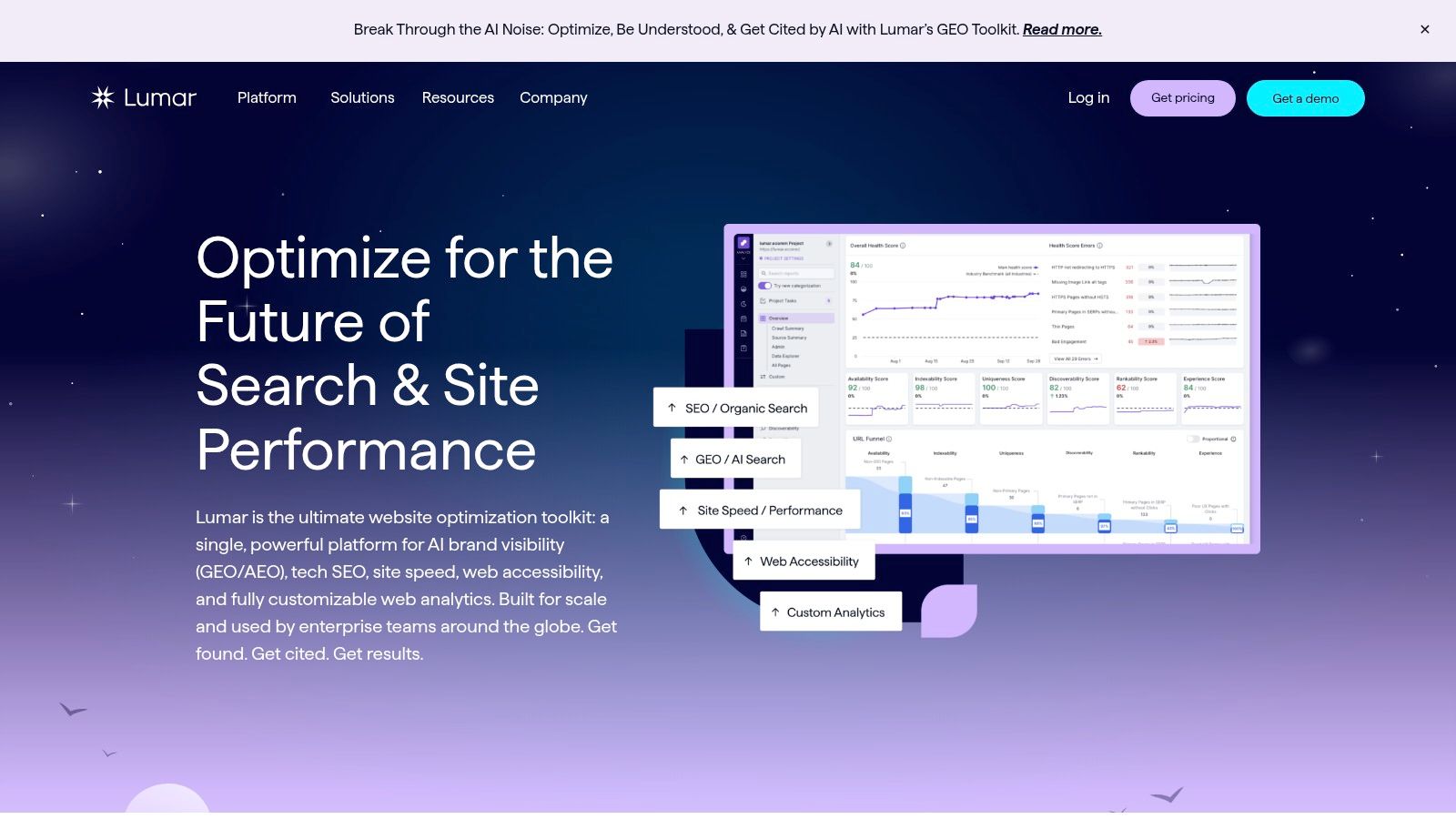
Buy Lumar for a workflow problem, and it can become the backbone of an enterprise audit program. Buy it for feature count, and it turns into expensive reporting. I would evaluate it only after naming the owner of triage, the owner of fixes, and the release path where resolved issues get verified.
The commercial model already signals the fit: cloud-based website optimization and SEO packages are configurable, with scope priced through a quote. I'd ask for crawl allowances, user seats, and the exact modules in writing before any demo, because a familiar platform name does not define what was purchased.
| Pilot question | Pass condition |
|---|---|
| Can it represent our hardest URL patterns? | Template defects appear as grouped findings rather than scattered pages. |
| Can teams act on the output? | Each issue has an owner, deadline, and recheck after release. |
| Can procurement accept it? | Security review, access controls, and contract terms close without workarounds. |
Lumar reports SOC 2 Type 2 certification in its security information, so I would involve security early and test their evidence against our access model.
For a solo site, I'd start with a desktop crawler and see if the same answers arrive with less commitment. For enterprise scale, my bar is delivery: findings must survive handoff into engineering and come back verified.
9. JetOctopus
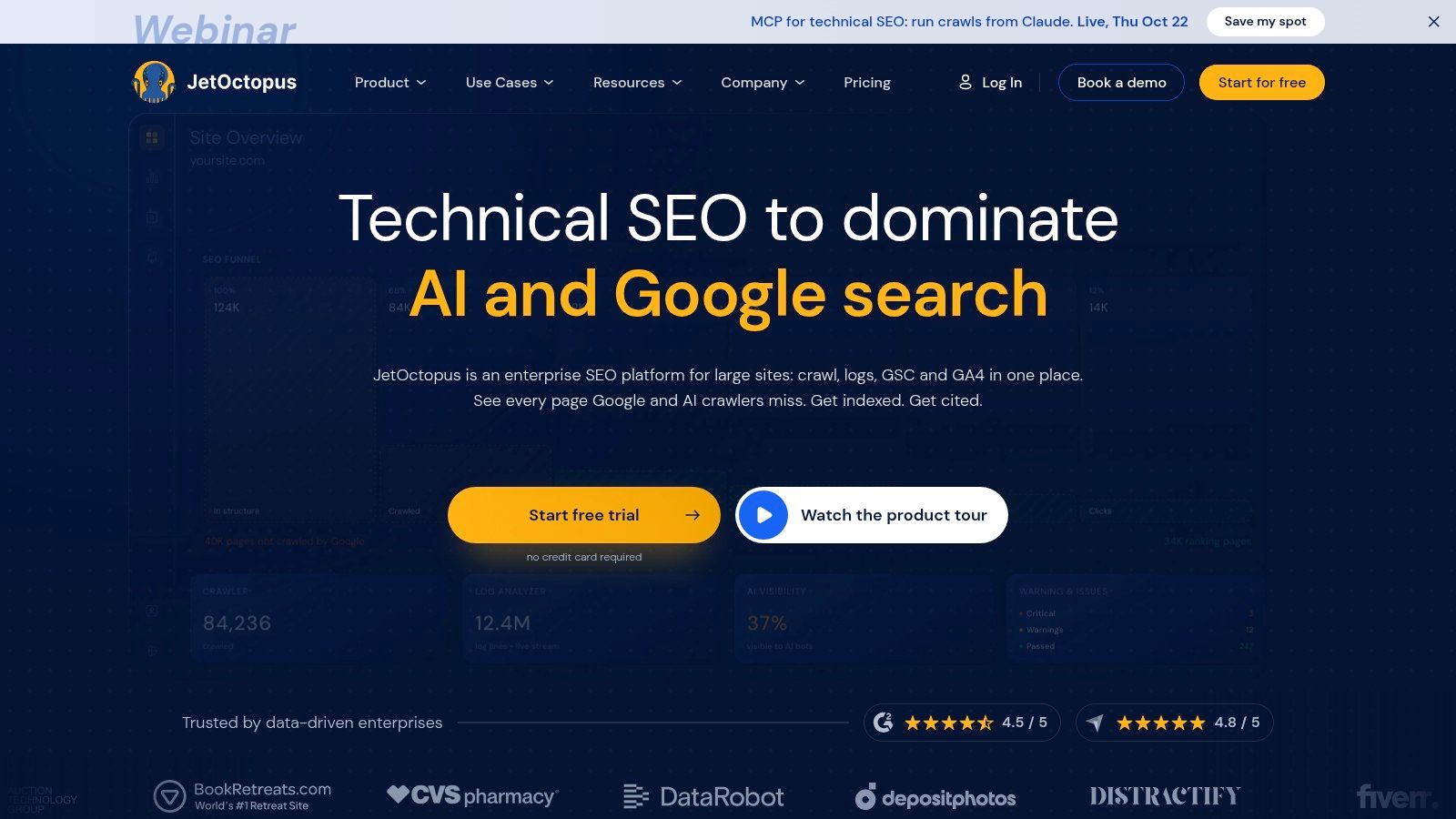
A crawler tells me what it could discover under my configuration. With JetOctopus, I'd add server-log analysis to investigate what search bots requested, then compare that activity with crawl findings and search performance.
That combination is why I'd evaluate it for crawl waste, neglected landing pages, and complex URL patterns. I can bring together crawling, logs, Search Console, and Google Analytics 4, with JavaScript rendering, URL segmentation, and crawl comparisons supporting the investigation.
Segment before interpreting bot activity
For a faceted catalogue, I'd separate intended category pages from filter combinations, product pages, and other URL patterns. I'd compare discovery, responses, bot requests, and search evidence within those groups instead of reading a single sitewide total.
Evidence boundary: I treat a bot request as evidence of access, not proof of indexing, ranking, or commercial value.
I'd also establish whether the available logs cover the relevant hosts and period. Missing or incomplete log access would limit the conclusions I could draw, regardless of how useful the interface appears.
JetOctopus offers a seven-day full-access trial without a credit card, according to its trial information. I'd arrange data access before starting so I can evaluate the combined workflow rather than spend the trial waiting for files.
The cloud model avoids dependence on my desktop machine, and public pricing helps with an initial fit assessment. The trade-off is specialization: I'd still need separate research capabilities if keyword discovery and content planning were central requirements.
I'd also verify audience-specific plan limits before committing. For a straightforward small site, I wouldn't add log-analysis complexity without a question that requires it.
10. Oncrawl
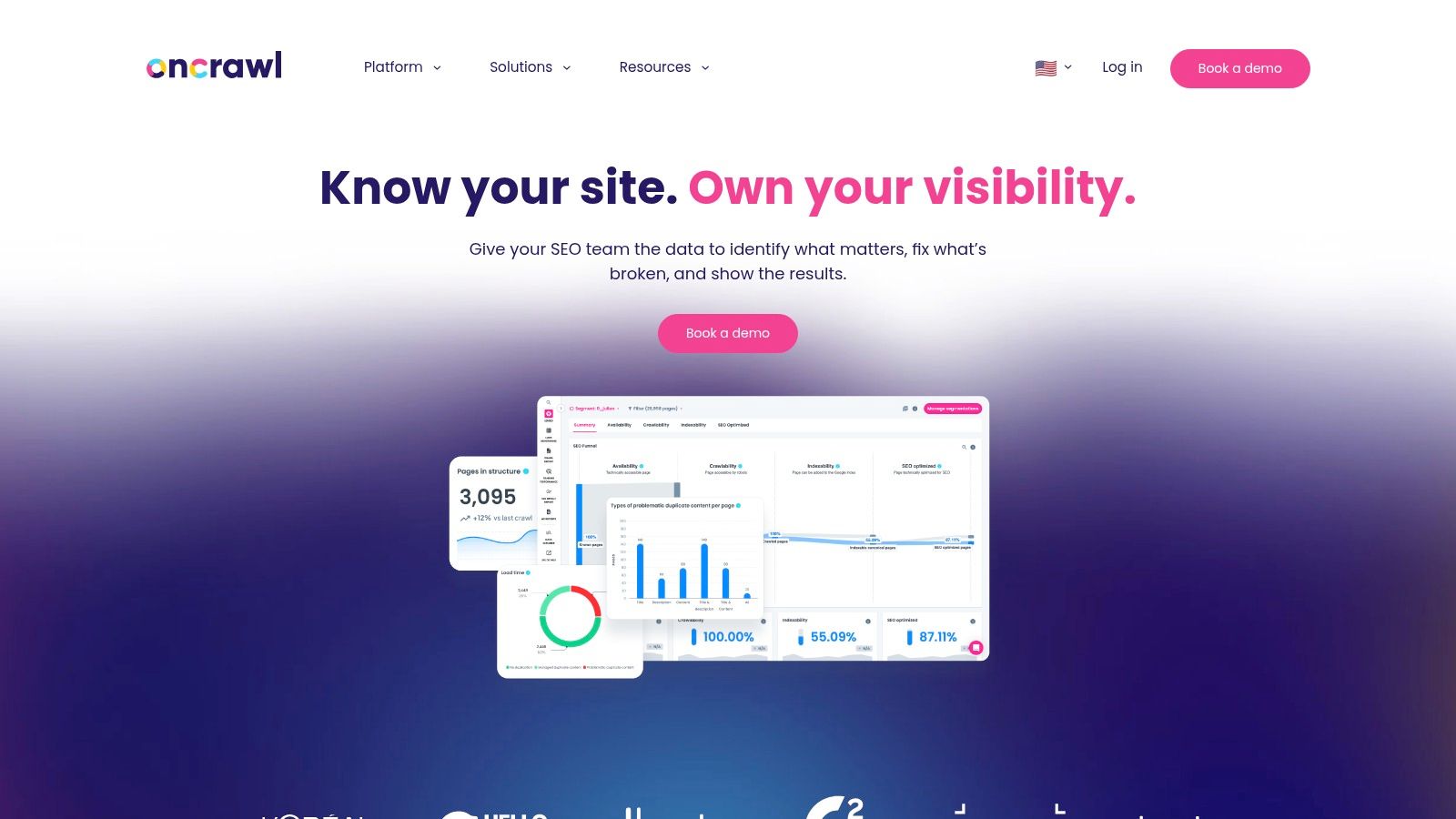
I bring in Oncrawl for large-scale technical investigations where connecting crawl behavior to server log activity is essential. It's a tool for answering difficult questions about indexability, crawl budget, and site architecture with layered data, not for running a quick health check.
Think of a site structure investigation. Instead of just looking at crawl depth, I can define specific page groups, like canonical category URLs versus filtered parameter versions. Then, I can compare their crawl frequency, bot requests, and organic performance side by side. This often reveals a testable hypothesis, such as critical landing pages getting infrequent bot visits while low-value URLs consume the crawl budget. Acting on that requires more than just a report; it requires a workflow.
The process demands upfront planning:
- Preparation: First, agree on URL segmentation rules and secure log file access. Assign ownership for reporting and implementation before the project begins. The tool's multi-user capabilities and REST API are only useful if the team is aligned.
- Analysis: As I work, I separate direct observations from my own interpretations and document any conflicting evidence. For instance, I'd keep AI bot activity distinct from AI-search visibility. A bot visit is not proof of a citation, and a citation is not proof of business impact.
- Validation: After deploying a fix, like improving internal linking to a key page group, I compare that segment's metrics before and after. Judging success from a sitewide score is too blunt.
The trade-off is the technical commitment required. Oncrawl is most effective when the team can maintain the data inputs and act on the analysis. For a beginner-friendly, occasional check, it's overkill. The buying decision hinges on whether it can help answer a difficult operational question more reliably. Without public pricing information available, I'd request a scoped proposal and evaluate its capacity to solve a specific, complex problem, not its ability to generate dashboards.
Top 10 SEO Audit Software Comparison
| SEO Tool | Core Focus & Features | Standout Strength | Najlepsze dla | Value & Pricing |
|---|---|---|---|---|
| 🏆 SemDash | Keyword, competitor, SERP, and backlink research; AI content planning | ✨ Large datasets, URL-level rankings, AI Overviews citations; ★ praised for speed and ease of use | 👥 Marketers planning keywords, content, and link building | 💰 Free trial; price not provided |
| Semrush Site Audit | Audits 140+ technical issues plus broader SEO suite | Connects audit findings with keyword and competitor research | 👥 Agencies and in-house SEO teams | 💰 Higher tiers may be costly; price not provided |
| Ahrefs Site Audit | Technical audits integrated with keyword, backlink, and competitor tools | Free audits for verified sites | 👥 Site owners and Ahrefs users | 💰 Free limited access; paid crawl limits vary by plan |
| SE Ranking Website Audit | Technical and on-page checks, health score, PDF reports | Shareable standalone audits and practical issue guidance | 👥 Consultants and smaller agencies | 💰 Full-platform plan may exceed audit-only needs |
| Screaming Frog SEO Spider | Desktop crawler for technical issues and URL-level data | ✨ JavaScript rendering, custom extraction, and crawl comparisons | 👥 Technical SEOs needing crawl control | 💰 Free up to 500 URLs; paid annual licence |
| Sitebulb | Technical audits with prioritized hints and visual reports | ✨ Explanations, visualizations, and JavaScript crawling | 👥 Individual SEOs and teams communicating audit findings | 💰 14-day desktop trial; cloud may cost more |
| Moz Pro Site Crawl | Site monitoring within a broader SEO suite | Combines crawling with keyword, rank, and link tools | 👥 Teams already using Moz | 💰 Plan-based pricing and crawl limits |
| Lumar | Cloud website optimization for complex SEO programs | ✨ Configurable enterprise-focused capabilities | 👥 Large organizations with complex sites | 💰 Custom quote |
| JetOctopus | Cloud crawling, log analysis, GSC, and GA4 integrations | ✨ Compares crawl data with real bot activity | 👥 Teams analyzing crawl behavior and crawl budgets | 💰 Public pricing; 7-day full-access trial |
| Oncrawl | Cloud technical SEO with crawl, log, and performance data | ✨ API, shared dashboards, and AI bot analysis | 👥 Technically mature teams with large sites | 💰 Pricing not publicly listed |
Choose the Audit Workflow, Then the Tool
I wouldn't choose SEO audit software from issue count or a feature badge alone. I'd start with the decision: prioritize a launch, expose crawl waste, validate bot behavior, monitor regressions, or turn competitor research into a content and link plan. Then I'd test the strongest candidates on the same URL set and assess how quickly we could turn evidence into a completed fix.
I'd also resist the idea that a serious audit must happen inside a single application. In the SEOFOMO survey of 373 SEO professionals, 78.3% placed Screaming Frog among their top audit tools, compared with 55.0% for Search Console, 45.6% for Semrush, and 38.3% for Ahrefs. I read that as a useful reason to test complementary workflows, not a popularity ranking that decides the purchase.
Compare the handoff, not just the report
For each candidate, I'd give the same affected pages to the people who will implement the recommendations. I'd ask whether they can identify the cause, understand the proposed change, and verify the outcome without another round of interpretation.
- Evidence: Can I trace the finding to affected URLs and reproduce the condition?
- Priority: Can I explain the page's business relevance and the consequence of leaving the issue unresolved?
- Delivery: Can we assign an owner, identify dependencies, and write acceptance criteria?
- Measurement: Can we distinguish a technically resolved issue from a meaningful search or business improvement?
For performance work, I'd retain real-user evidence alongside lab diagnostics. Google's Search Console Core Web Vitals documentation defines a good experience at the 75th percentile using LCP of 2.5 seconds or less, INP of 200 milliseconds or less, and CLS of 0.1 or less. I'd group pages by template and device, then retest after deployment rather than close the task because a lab score improved.
Don't mistake visibility for recovered traffic
I'd also evaluate whether the audit explains traffic loss when rankings appear stable. VideoWeek's reporting on Pew Research Center's findings describes traditional-result clicks on 8% of searches with an AI Overview versus 15% without, with an AI-summary link clicked on 1% of searches. I wouldn't use those figures to forecast a particular site, but I would inspect SERP changes before promising that a ranking gain will restore visits.
Finally, I'd apply judgment to backlink recommendations. Under Google's link-spam policies, links created primarily to manipulate rankings create policy risk, so I'd assess editorial relevance rather than blindly replicate competitor placements.
If I also need keyword, backlink, and SERP research, SemDash is a credible consolidated option. If I need deep crawl configuration or bot-level investigation, I'd prioritize a dedicated crawler or log-analysis platform and connect its evidence to the research plan.
I'd use SemDash to connect competitor keyword gaps, backlink opportunities, SERP history, and AI Overview citations to page-level audit priorities. Visit SemDash (SemDash) to explore the platform and try a research-led workflow on the pages you're deciding whether to refresh, consolidate, or build next.