%20(1)-B86R08ZzwhPzS6UZbG3mSxRWPCwGwn.png)


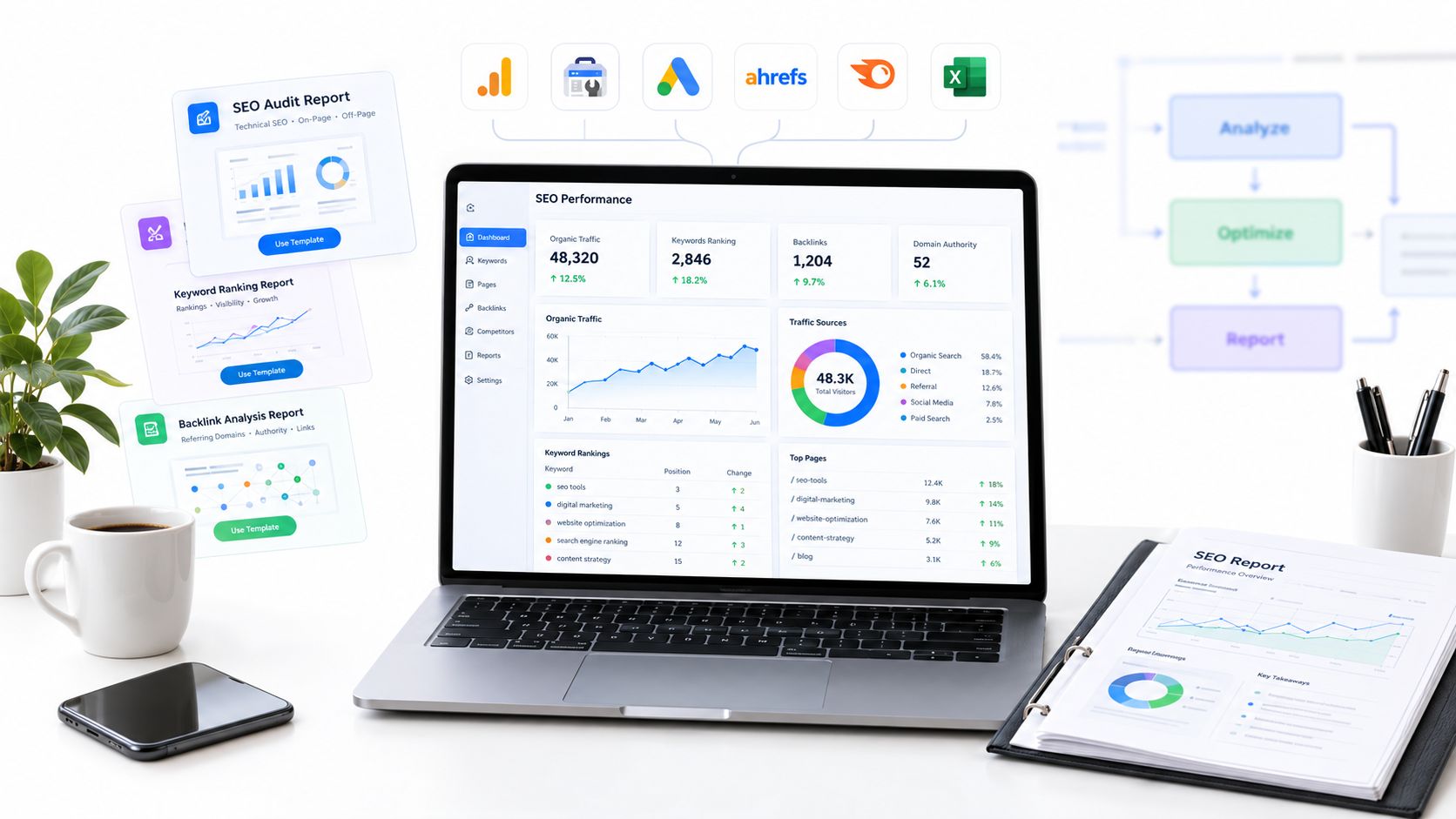
The longest integration list doesn't make a reporting platform the best choice. I've seen agencies connect every available source, then spend more time correcting mismatched date ranges, duplicated conversions, broken permissions, and client dashboards nobody opens. The failure usually happens because data collection, branding, narrative, approvals, and recurring delivery remain separate processes.
Agency reporting is also a serious operational cost. A 2025 study cited by Whatagraph found that agencies spend 20–30 hours per client per month on reporting, so a 10-client agency could spend as much as 300 hours monthly on recurring reports alone (background on agency reporting workload). The right tool should remove that repetition without hiding the reasoning behind the numbers.
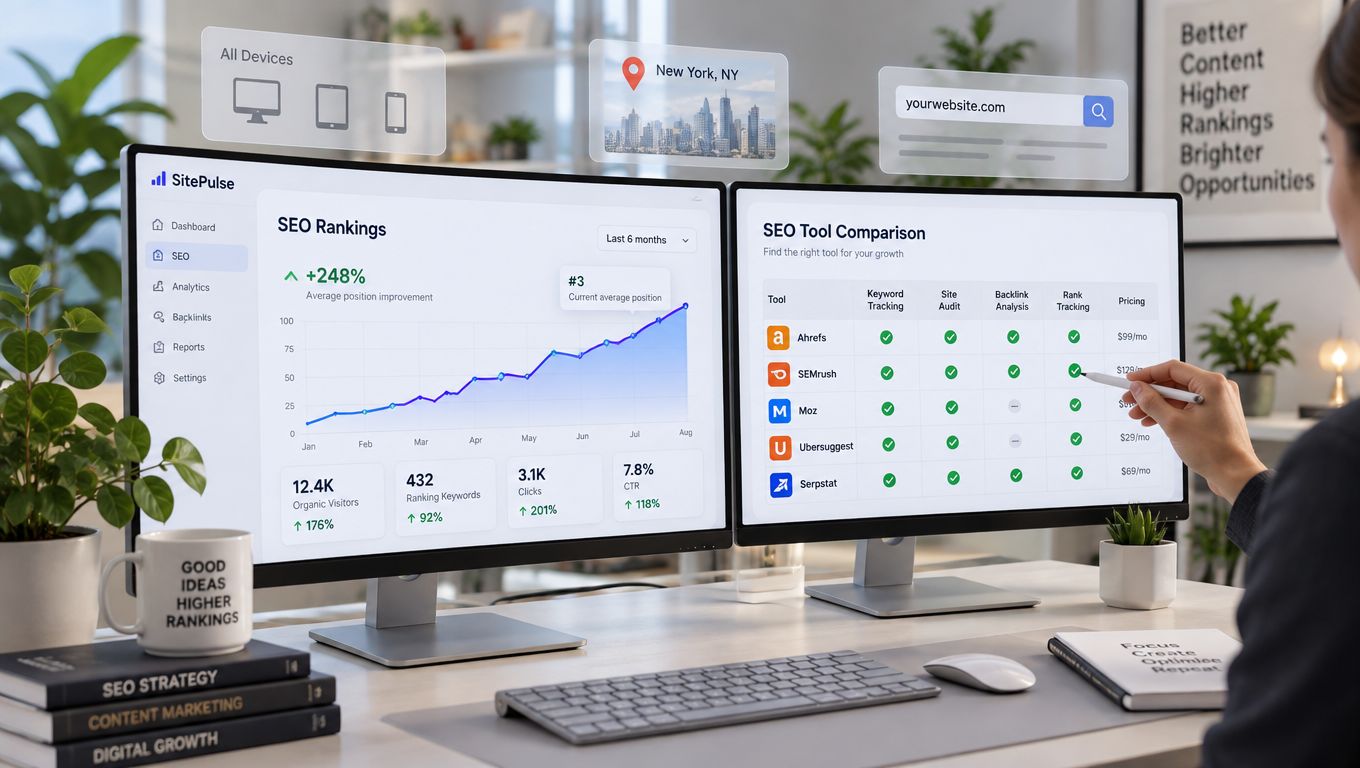
I rank these platforms by the reporting problems agencies need to solve: white-label control, automation, source flexibility, SEO depth, pricing mechanics, scalability, client access, governance, and migration effort. The list starts with specialist SEO intelligence, then moves through agency-first reporting platforms, enterprise data layers, flexible BI, and SEO tools with reporting built into the core product.
SemDash earns the featured position for agencies that need competitive research, SERP history, AI Overviews visibility, content planning, backlink recovery, and client reporting in one workspace. The other picks fit different operating models. Some are better for polished delivery, some for cross-channel data, and some for teams willing to own the reporting architecture themselves.
Spis treści
- 1. Best SEMrush Alternative 2026 | SemDash, AI-Powered SEO Platform
- 2. AgencyAnalytics
- 3. Whatagraph
- 4. DashThis
- 5. Swydo
- 6. NinjaCat
- 7. ReportGarden
- 8. Google Data Studio, formerly Looker Studio
- 9. SEOmonitor
- 10. Semrush, My Reports
- Top 10 SEO Reporting Tools for Agencies, Comparison
- Build the Reporting Stack You Can Maintain
1. Best SEMrush Alternative 2026 | SemDash, AI-Powered SEO Platform
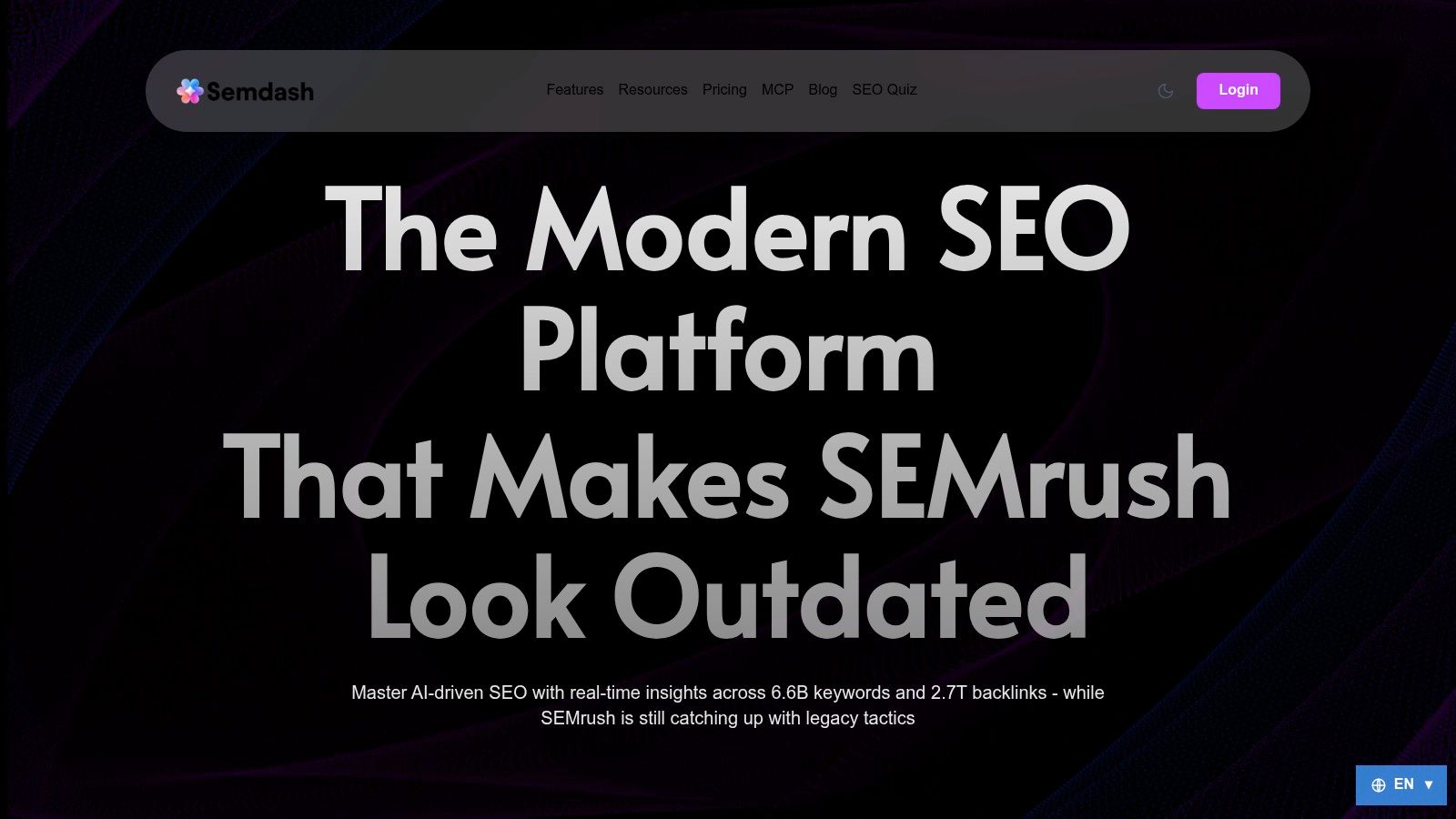
SemDash fits agencies that don't want reporting separated from the SEO investigation behind it. I can move from a competitor's domain keywords and top pages to keyword gaps, page-level mapping, SERP history, content briefs, backlink opportunities, and client-ready reporting without rebuilding the analysis in another system.
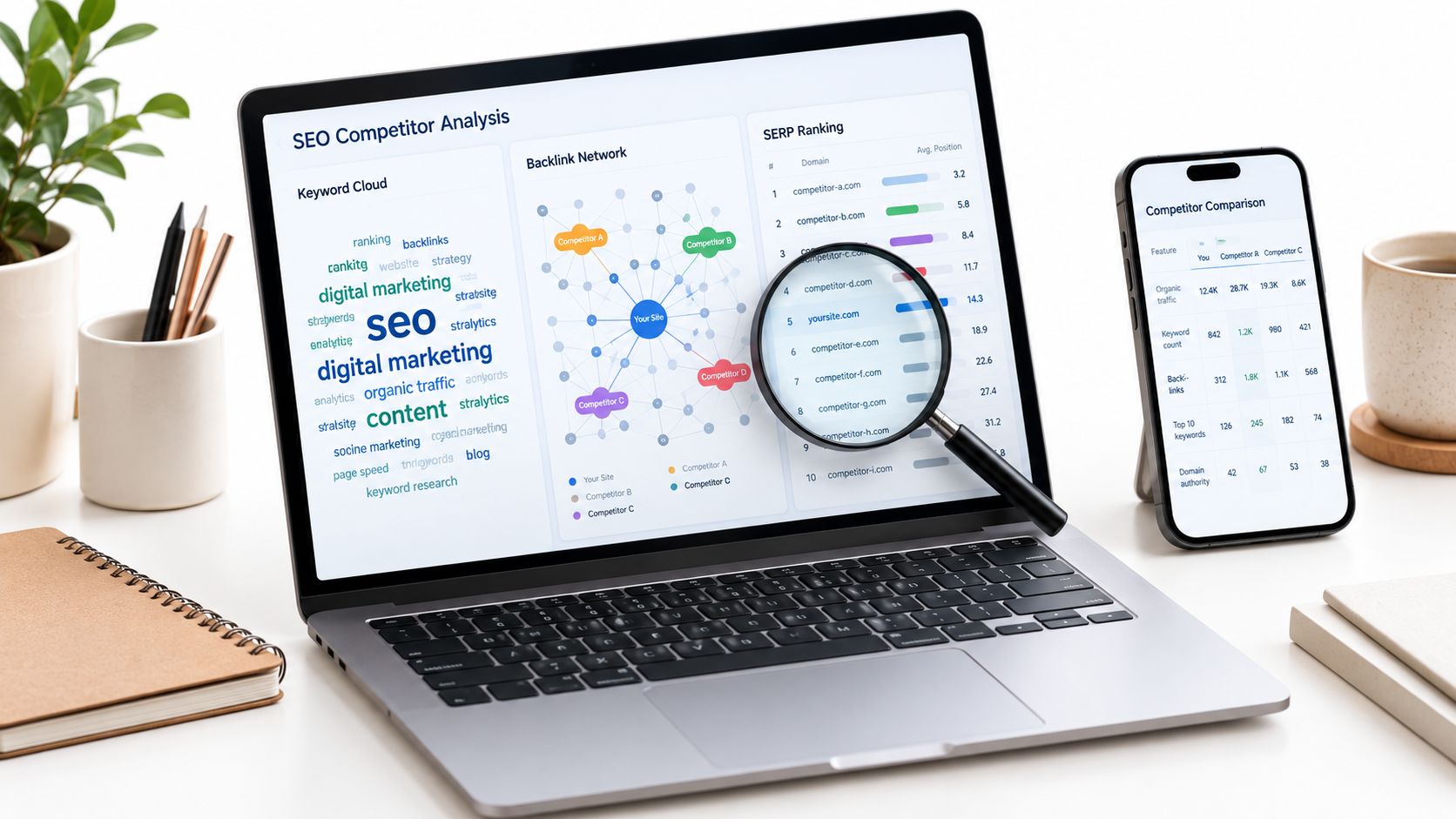
Its research scale is a major differentiator. SemDash provides a 6.6B-keyword database, a 2.7T-link index, and 600M monthly SERPs, with those product figures documented on the SemDash SEMrush alternative page. The practical benefit isn't the size alone. I care about whether the dataset helps answer a client question quickly, such as which URL should target a topic, which competitor earns visibility from it, or whether a ranking change reflects intent and SERP volatility.
Where SemDash earns its place
The strongest workflow combines 12-month SERP history with AI intent signals, AI Overviews citation tracking, URL-level keyword mapping, and automated content briefs. That gives an agency more than a position snapshot. It helps explain why a page needs an update, expansion, redirect, or a different search-intent target.
The agency layer matters just as much. White-label reports, automated client alerts, bulk competitor analysis, and ROI tracking turn research into recurring client communication. Backlink Gap, unlinked-mention detection, and broken-backlink recovery also connect reporting to an action plan rather than leaving the client with a list of disconnected metrics.
I'd structure a SemDash report around organic visibility, priority keyword and page movements, competitor gaps, AI Overviews citations, content actions, and link-recovery opportunities. I wouldn't include every available chart. The report should show what changed, why it changed, and which work comes next.
Praktyczna zasada: Use SemDash when the report must prove the value of SEO intelligence, not merely display traffic and rankings.
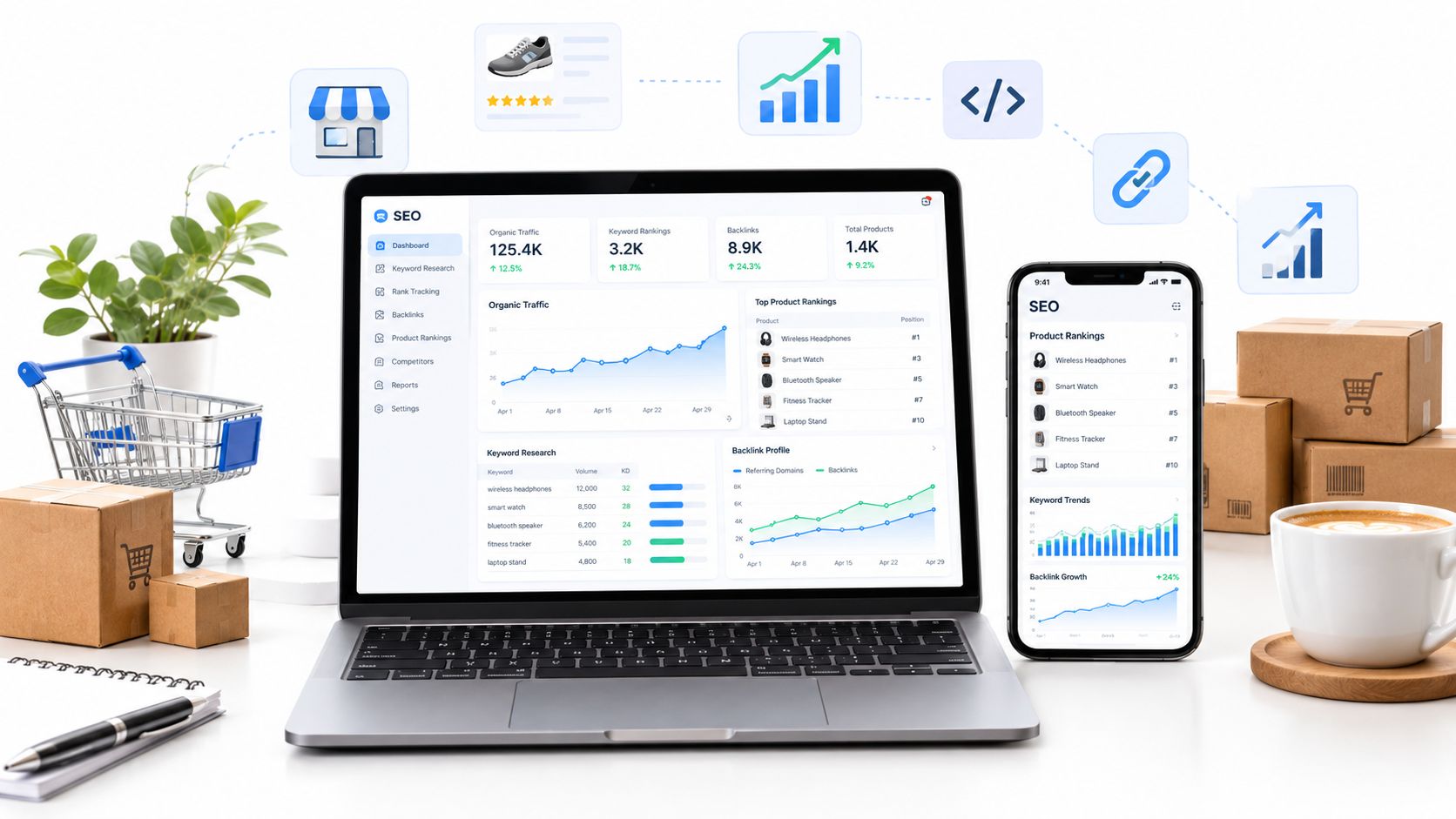
The trade-off is scope. SemDash is focused on SEO, so agencies needing paid media, social, CRM, and ecommerce reporting will still need a cross-channel layer. Its advanced datasets can also be more than a solo freelancer needs. For an SEO-led agency, though, it offers a fast, simplified workspace, multilingual support, and a useful path from discovery to client delivery.
2. AgencyAnalytics
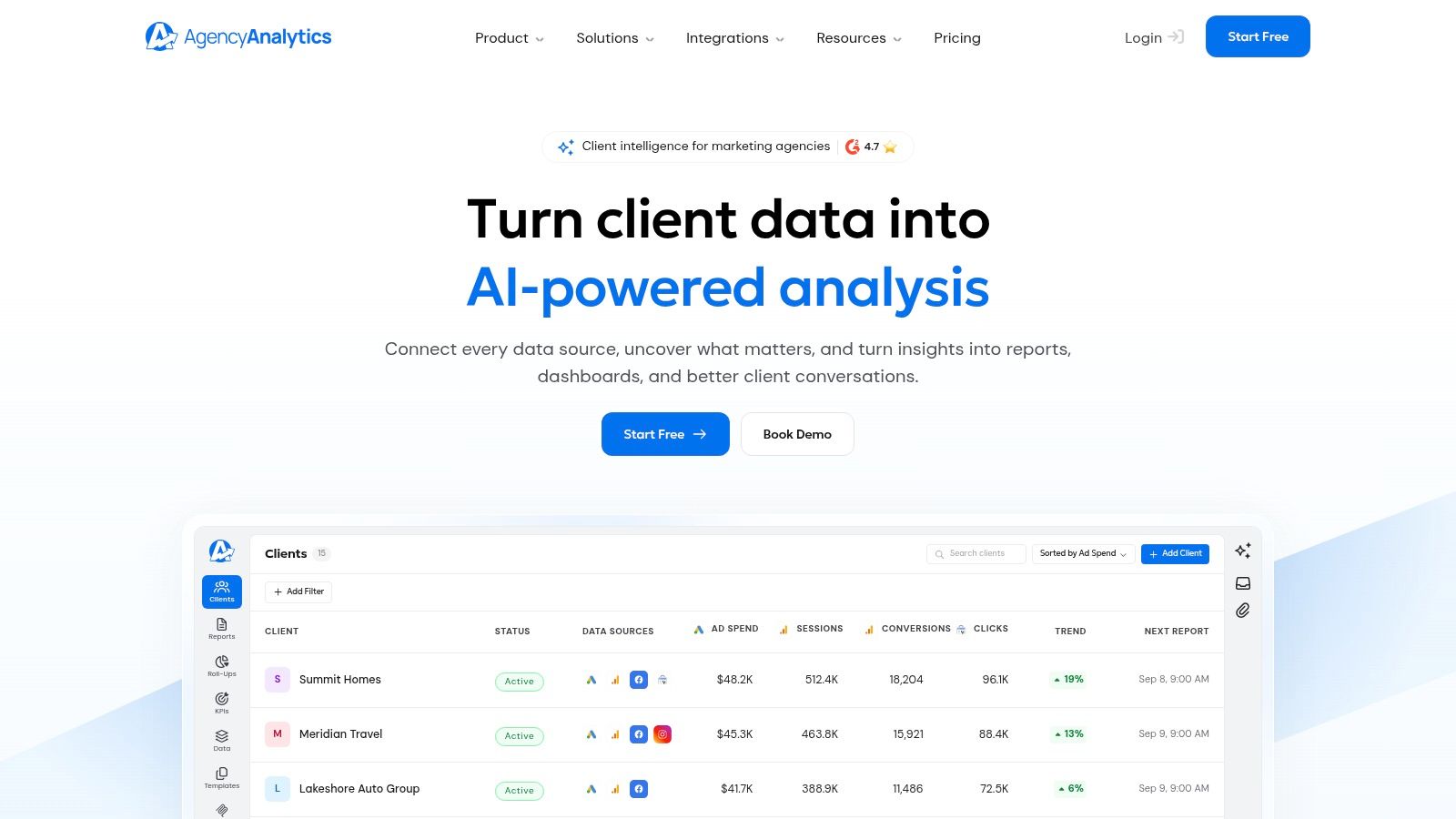
AgencyAnalytics is the safest default when the core problem is delivering consistent, branded reports across a growing client roster. It was built around agency operations rather than around a single website, which shows up in the client portal, role-based access, report scheduling, templates, approvals, and portfolio roll-ups.
The platform advertises 85+ native integrations, including GA4, Google Search Console, Google Ads, Facebook, and major SEO tools (AgencyAnalytics agency reporting overview). That breadth reduces connector maintenance when clients use different combinations of analytics, advertising, call tracking, and SEO systems. I'd still define a standard source stack before connecting everything. More connectors don't fix inconsistent KPI definitions.
Best workflow fit
I'd use AgencyAnalytics when account managers need to duplicate a proven report structure, assign access safely, and send a client deliverable without asking an analyst to rebuild the dashboard. A typical monthly report can place business outcomes first, organic traffic and conversions next, ranking and landing-page movement after that, then technical issues and next actions.
The white-label layer is the main selling point. Custom branding, a custom domain, client portals, scheduled reports, and reusable SEO templates give an agency control over the client experience. The SEO reporting workflow guidance is useful for agencies deciding which metrics belong in that recurring deliverable and which belong in an internal diagnostic view.
The main cost issue is roster growth. The plan structure scales with the number of clients, so an attractive starting tier can become harder to justify as accounts multiply. I'd model the cost against active client accounts, not just staff seats, before standardizing the platform.
What can go wrong
Agencies sometimes treat AgencyAnalytics as a substitute for a data model. It isn't the right place to invent a different definition of conversions for every client. Establish source ownership, filters, attribution rules, and naming conventions before cloning templates.
3. Whatagraph
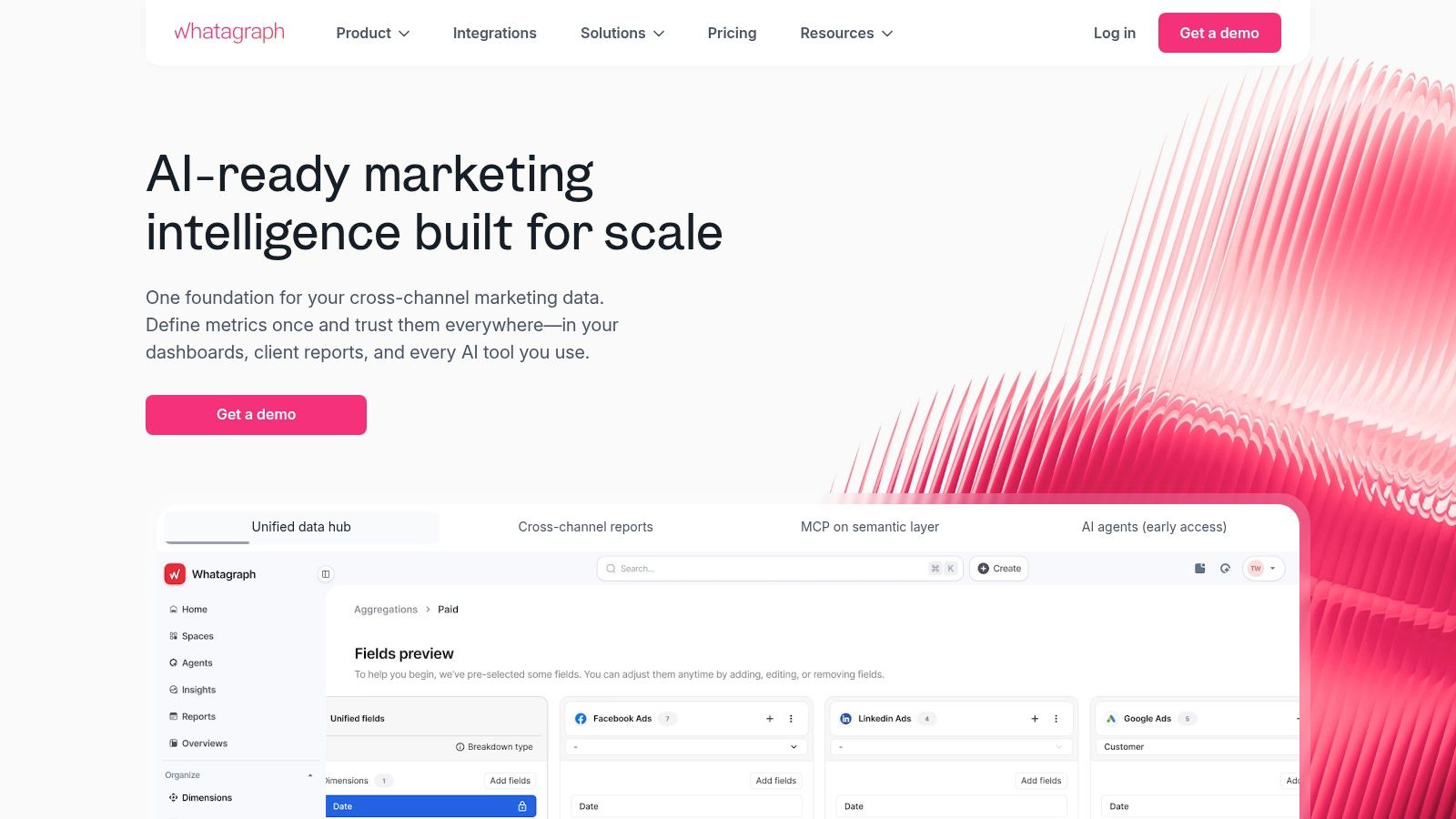
Whatagraph makes sense when an agency sells a broader marketing story and SEO is one part of it. It combines multi-source reporting, branded exports, templates, scheduled delivery, and AI-assisted report creation, so the team can place organic search beside advertising and other channel data without maintaining separate client documents.
The most useful feature is the templating discipline. I can create a common report architecture, then adapt the narrative and KPI set for each account. Its AI tools can help build reports, generate summaries, and support chat-based exploration, but I wouldn't allow generated commentary to reach a client without human review. An automated explanation can describe a movement accurately while still missing the commercial reason it matters.
Where it works best
Whatagraph is a strong fit for agencies with mixed specialists and account managers who need one presentation layer. Its connector library covers GA4, Google Search Console, advertising platforms, and other marketing sources, while the product emphasizes unlimited users and reports across plans (agency reporting comparison).
That user and report model can simplify collaboration. SEO, paid media, and client service teams can work in the same environment without creating a separate paid seat for every person. I'd use a core template with sections for executive summary, channel performance, SEO landing pages, paid contribution, anomalies, and next actions.
Kompromis
Pricing can be opaque when plans are sales-assisted, and advanced customization may require vendor support or services. That matters during migration. Before signing, I'd ask the team to reproduce one existing report, including filters, calculated fields, branding, and delivery rules. If the reproduction depends on vendor intervention, document the recurring support cost and ownership.
Whatagraph is less compelling if the agency only needs a small, SEO-only dashboard. In that case, its cross-channel capability may add complexity rather than remove it.
4. DashThis
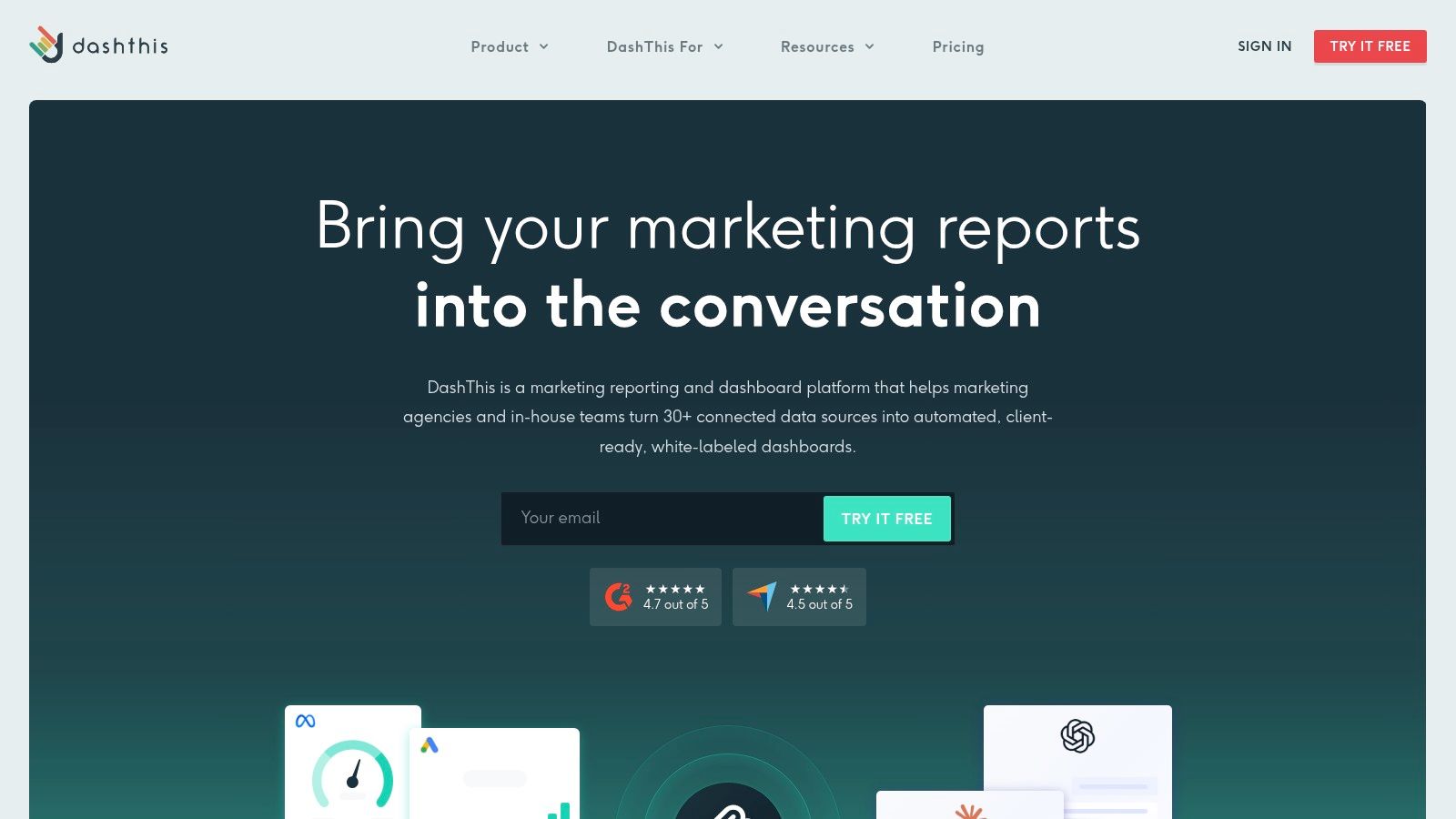
DashThis is the practical choice when the agency needs a client-ready dashboard quickly and doesn't want to maintain a reporting engineering project. Its preset KPI widgets, templates, scheduled email delivery, live links, and PDF workflows support a straightforward monthly reporting rhythm.
I'd choose it for a small or mid-sized roster where the report structure is relatively stable. A useful DashThis report might open with organic sessions and conversions, continue with Search Console clicks and impressions, show ranking groups and landing pages, then finish with technical priorities and agreed actions. The platform's value comes from making that format repeatable.
Why agencies adopt it
DashThis uses a predictable pricing model tied to dashboard allotment, and its entry positioning is aimed at smaller client rosters (DashThis reporting software overview). That makes budgeting easier than a tool with a complicated mix of users, data sources, projects, and add-ons. It also lowers onboarding friction for account managers who need to adjust labels or swap a widget without learning a BI system.
The limitation appears when the agency grows beyond preset structures. Dashboard caps on lower tiers can constrain the account model, especially when one client needs separate regional, brand, product, and executive views. Advanced data modeling is also less flexible than in a BI environment.
Dashboards should make recurring communication easier, not turn every client exception into a custom build.
I'd avoid connecting every possible source at the beginning. Start with the KPIs the service agreement promises, validate the totals against the source platforms, and only then add diagnostic views. That approach keeps a simple tool simple.
5. Swydo
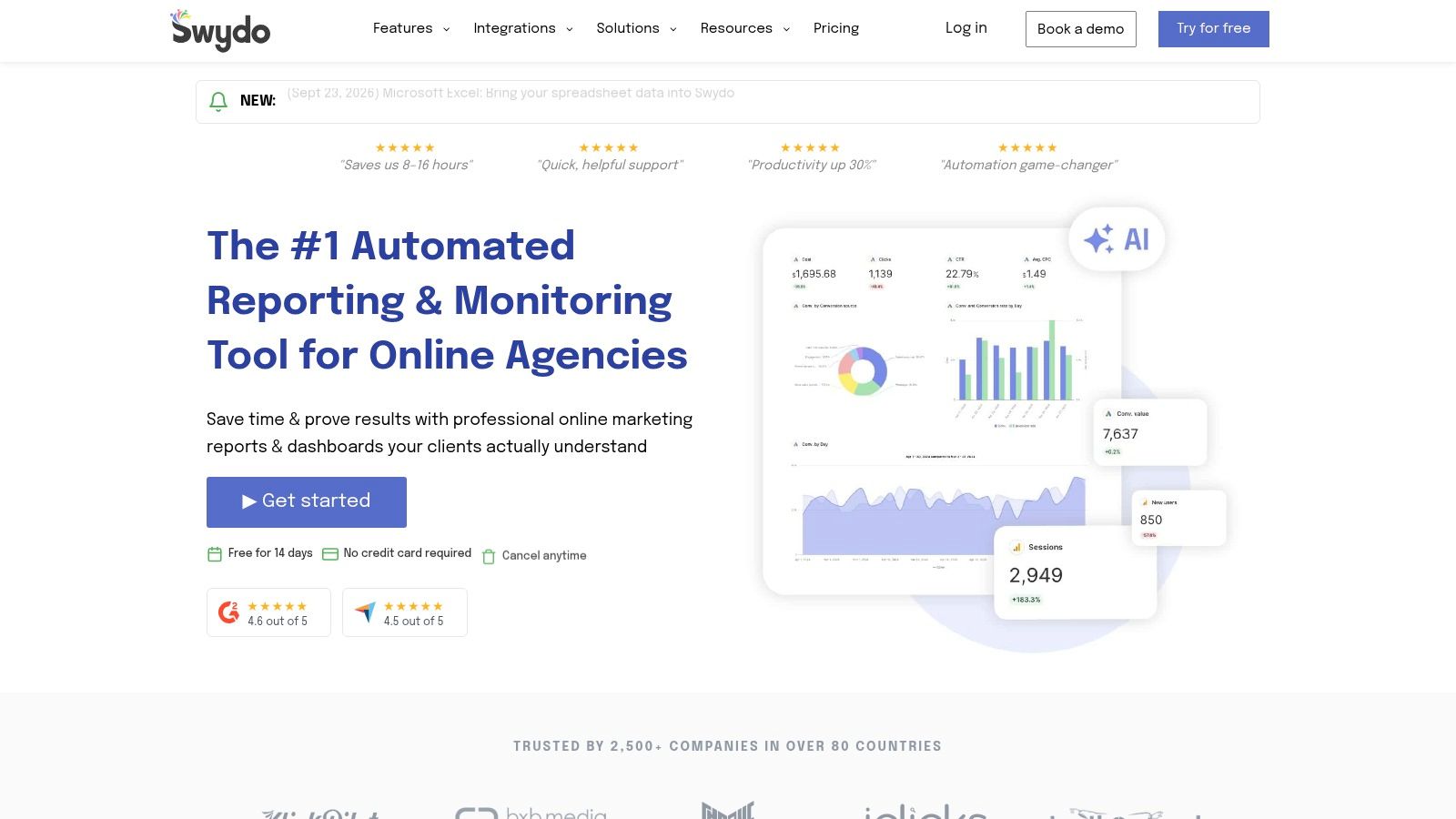
Swydo is a good operational fit for agencies that manage many clients with a repeatable set of data sources. Its pricing is based on data sources rather than client or user volume, which can remain predictable when every account uses the same GA4, Search Console, advertising, and rank-tracking pattern.
That model changes the buying question. Instead of asking how many clients the tool can hold, I'd list the distinct connectors the agency needs. An agency with standardized sources may benefit from unlimited clients and users, while an agency with unusual stacks across nearly every account can see costs rise as source requirements expand.
A disciplined reporting workflow
Swydo combines white-label templates, automated PDF or link delivery, goals, KPIs, alerts, and approval workflows (Swydo agency reporting platform). I'd build the internal workflow so a strategist reviews the alert queue, an account manager checks the narrative, and an approved report goes out on the agreed cadence.
The report itself should stay concise. Put the goal and current status at the top, show the supporting SEO movement, explain material changes, and list the work being delivered next. The approval step is valuable because it stops a raw anomaly from becoming an alarming client message.
Gdzie się nie sprawdza
Swydo has fewer niche connectors than the largest aggregators. That isn't a problem for a standardized SEO and PPC retainer, but it can become one when a client demands data from a specialized CRM, marketplace, call system, or internal database. Test the least common connector in the portfolio before migrating the whole agency.
6. NinjaCat
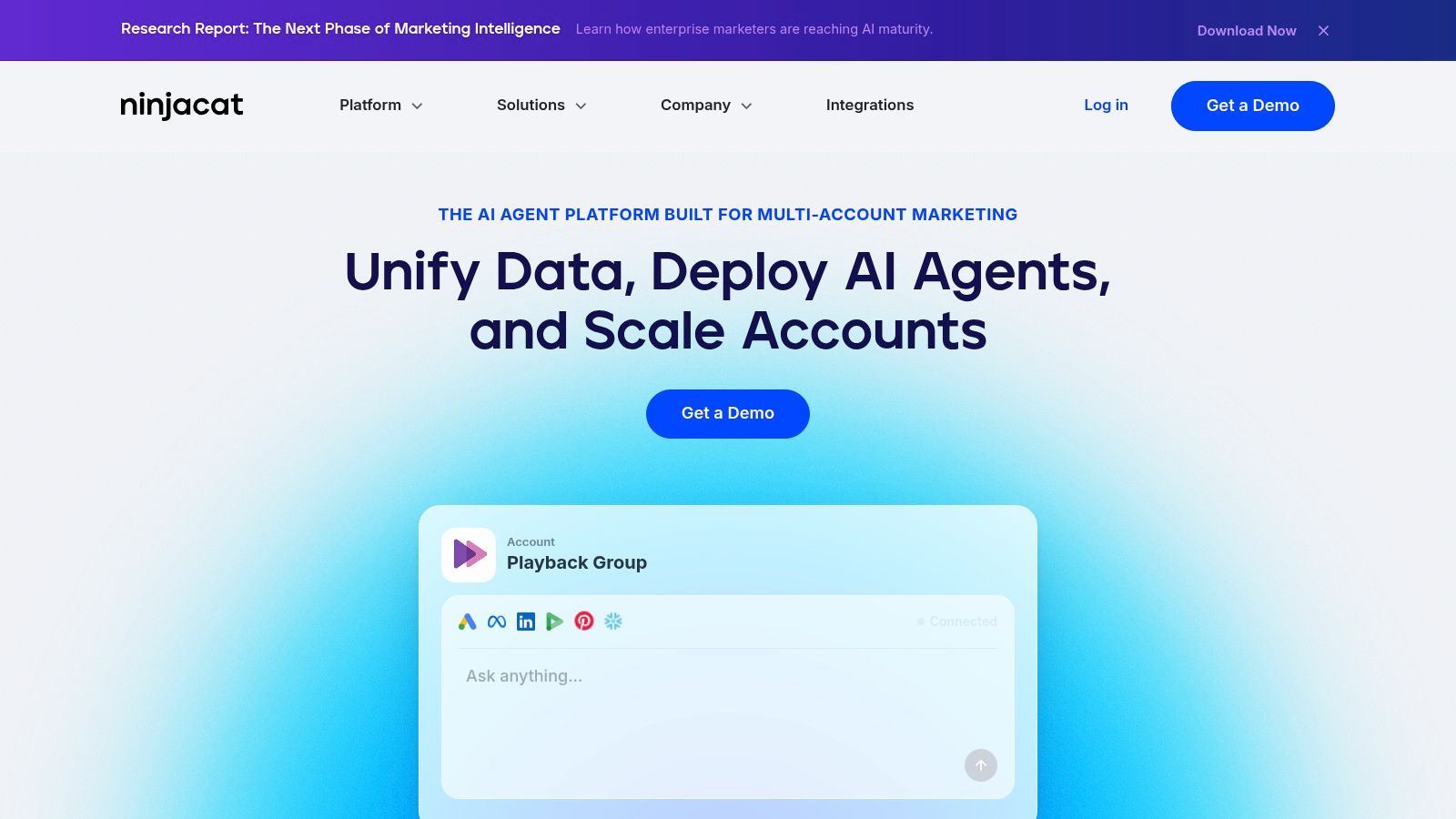
NinjaCat belongs on the shortlist for larger agencies that need a governed data layer rather than another collection of dashboards. It emphasizes ingestion and normalization, centralized storage, reusable presentation templates, multi-account generation, AI-assisted insights, and governance for complex deployments.
I wouldn't recommend it to a small team that only needs a monthly SEO PDF. The implementation effort and enterprise contract model make more sense when multiple departments need a controlled version of client data, or when report generation must work across a large, varied account base.
Why governance changes the decision
At scale, the hardest reporting problem isn't chart design. It's deciding which source wins when GA4, a CRM, an ad platform, and a client spreadsheet disagree. A centralized platform can support rules for data ownership, naming, access, transformations, and approval. Those controls reduce the risk of every account manager solving the same discrepancy differently.
I'd define a governed semantic layer before building templates. “Organic leads,” “qualified leads,” and “revenue from organic search” need operational definitions, source mappings, and accountable owners. The report should expose exceptions rather than blending incompatible values.
Costs and implementation risk
NinjaCat typically involves a sales-led enterprise contract and a higher total cost of ownership (NinjaCat platform). That cost includes more than subscription fees. Budget for implementation, data mapping, training, governance, and ongoing administration.
The upside is repeatability. Once the data layer and templates are stable, a larger agency can generate reports across accounts without asking each team to maintain its own logic.
7. ReportGarden
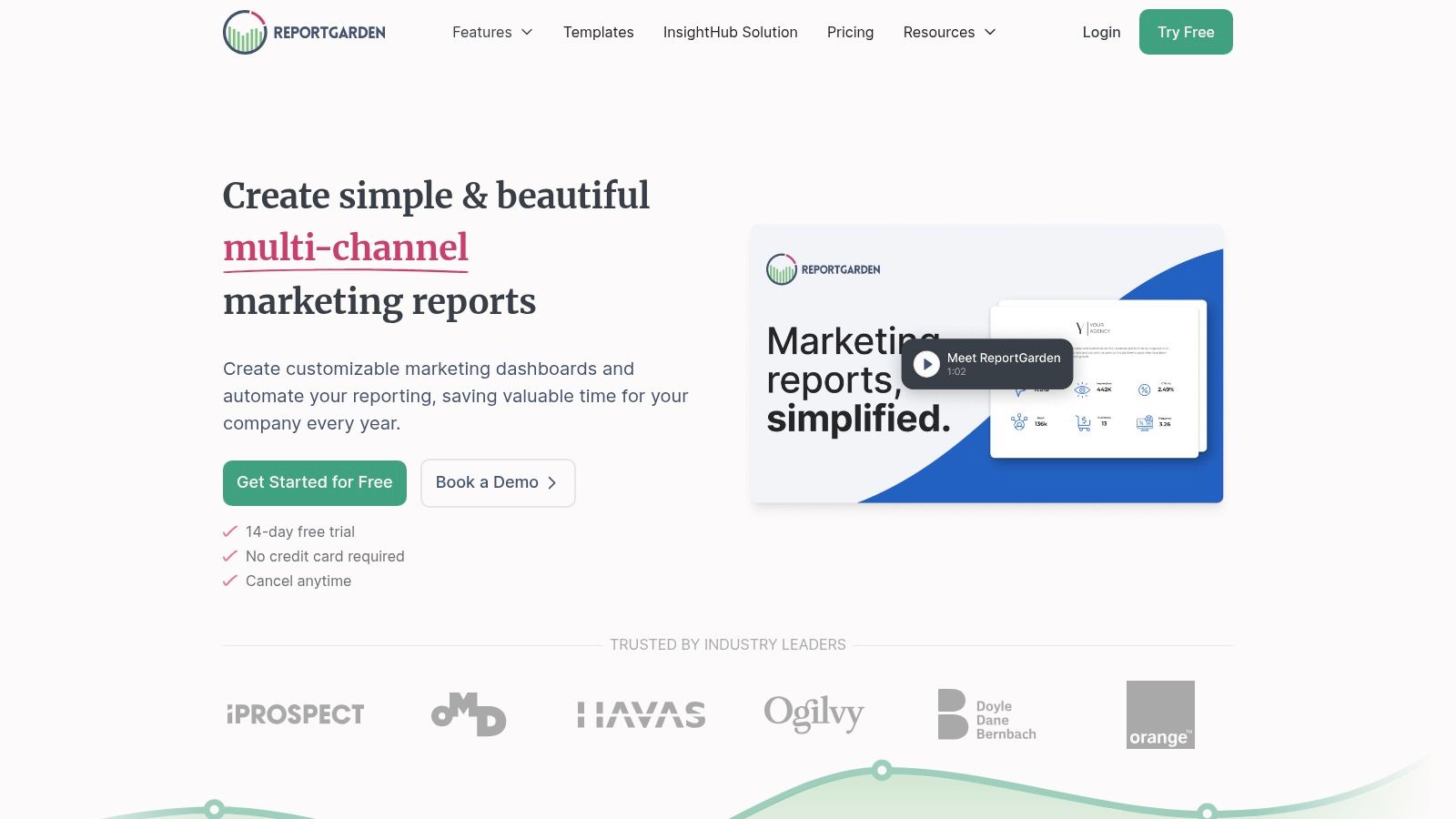
ReportGarden is a strong option when the client portal is central to the agency's service experience. It combines white-label dashboards, custom-domain branding, automated report creation, scheduled delivery, agency workflows, and optional hands-on support.
I'd consider it for an agency that wants clients to log into an environment carrying the agency's identity rather than receiving a collection of disconnected PDFs. A portal can organize recurring reports, account communication, and visibility into active work, but only if the agency commits to keeping it current.
Portal-first implementation
The first decision is what belongs in the portal. I'd keep the landing view focused on agreed business KPIs, then provide deeper SEO pages for rankings, landing-page performance, technical health, and link activity. Clients who need a quick answer shouldn't have to work through every available data source.
The second decision is ownership. Someone must review source connections, permissions, report schedules, and client access when an employee changes roles or a contract ends. White-labeling doesn't remove those administrative responsibilities.
Kompromis
ReportGarden's plans are less transparent and often sales-assisted, while its integration catalog is smaller than the largest aggregators (ReportGarden client reporting platform). That can work in its favor if support is more valuable than connector breadth. It can also create friction for agencies with unusual client stacks.
I'd use a proof-of-work trial before migration. Recreate one portal, invite internal users, test access boundaries, schedule a report, and verify that a disconnected source produces a visible warning instead of a silent gap.
8. Google Data Studio, formerly Looker Studio
Google Data Studio, formerly Looker Studio, remains the best fit for agencies that want flexible dashboards built around Google data and are prepared to own the setup. The core product is free, supports GA4, Google Search Console, and Google Ads, and works with partner connectors for other sources (Google Data Studio information).
That flexibility is useful when clients want interactive views rather than a fixed PDF. I can create separate pages for executive results, non-brand search, landing pages, device trends, technical diagnostics, and annotations. Granular permissions, sharing, embedding, and scheduled PDF workflows make it workable for recurring delivery.
The hidden work
Free software doesn't mean free reporting. Non-Google sources often require paid partner connectors, and complex blending can require external warehousing. Someone still needs to maintain credentials, filters, calculated fields, data freshness, and changes to source schemas.
I've found that the biggest mistake is building each client dashboard from scratch. Create a reusable report with controlled data-source parameters, documented field names, and a clear separation between client-specific filters and global logic. The SEO dashboard guidance helps frame the difference between a visual dashboard and a complete SEO intelligence workflow.
Governance test: If another analyst can't explain where a KPI comes from, the dashboard isn't ready for client delivery.
Looker Studio is excellent for standardized Google reporting and custom views. It's less suitable when the agency wants built-in SEO research, client approvals, alerting, or a managed white-label portal without maintaining those layers itself.
9. SEOmonitor
SEOmonitor is designed for SEO agencies that want reporting tied directly to campaign objectives, forecasts, rank tracking, traffic analysis, and client feedback. It's less of a general marketing dashboard and more of an SEO operating environment with reporting built around strategy.
The forecasting capability is useful when the client conversation needs to move beyond “rankings went up.” I'd use scenarios to connect planned work with expected visibility and traffic outcomes, then report actual performance against the agreed objective. That creates a more honest discussion when external events, technical changes, or search volatility disrupt the original path.
Reporting with a strategic spine
The Agency Dashboard can structure campaign health and reporting workflows across clients, while GA4 and Search Console integrations add traffic and search performance context (SEOmonitor agency platform). A report might include objective progress, forecast versus actual movement, priority keyword groups, traffic contribution, completed work, and the next strategic decision.
That structure works particularly well for SEO-only retainers. It gives the strategist a consistent place to record client feedback and explain why the roadmap changed.
What it doesn't replace
SEOmonitor isn't the natural choice for an agency that must combine organic search with a broad paid and social reporting stack. Its pricing is also higher than lightweight dashboard products, especially when the agency uses the full platform rather than only its reporting capabilities.
I'd avoid buying it solely to automate a PDF. Its value appears when forecasting, campaign management, rank tracking, and client strategy need to live together.
10. Semrush, My Reports
Semrush My Reports is the right choice when an agency already relies heavily on Semrush for keyword research, competitor analysis, backlink intelligence, site audits, and SEO planning. The reporting module can combine Semrush data with GA4, Search Console, and other sources, then produce branded reports through shareable links, PDF exports, or live dashboards (Semrush My Reports).
That integration reduces context switching. The analyst investigates an issue and can bring the relevant evidence into the recurring report without exporting every chart into a separate system. For clients who want detailed SEO research alongside performance reporting, that continuity is valuable.
Where it fits
I'd structure a Semrush report around executive outcomes, organic traffic and conversions, ranking groups, competitor movement, technical audit priorities, backlink activity, and the next work package. Templates help standardize delivery, while automation reduces the need to rebuild recurring reports manually.
Semrush's reporting stack started at $139.95 per month in agency-tool comparisons for 2026, while AgencyAnalytics was listed at $79 per month for freelancer or agency-focused reporting (agency SEO reporting pricing comparison). Those figures are useful as market context, but I'd evaluate the complete cost of projects, seats, add-ons, tracked keywords, and client requirements rather than comparing headline subscription prices.
The migration caution
The legacy Client Portal and Agency Growth Kit were sunset, with no direct one-to-one replacement. Agencies built around those workflows should test the current reporting and sharing experience before committing to a migration.
Semrush is powerful when research and reporting belong in one vendor ecosystem. It can be expensive and less flexible than a dedicated reporting layer when the agency needs broad cross-channel modeling, custom governance, or a highly specialized client portal.
Top 10 SEO Reporting Tools for Agencies, Comparison
| Produkt | Core features ✨ | UX / Jakość ★ | Price / Value 💰 | Grupa docelowa 👥 | Standout 🏆 |
|---|---|---|---|---|---|
| 🏆 SemDash – AI‑Powered SEO Platform | 6.6B keywords, 2.7T backlinks, 600M SERPs; AI briefs; URL‑level mapping | ★★★★★ Fast, simplified UI; multilingual; 12‑mo SERP history | 💰💰💰 Agency‑priced; strong ROI & white‑label tools | 👥 Agencies & multi‑client SEO teams | 🏆 Deep datasets + AI intent + agency‑first workflows |
| AgencyAnalytics | White‑label reports, 85+ integrations, drag‑drop dashboards | ★★★★ Agency workflows; client portals | 💰💰 Scales with client count | 👥 Agencies needing automated client reporting | Prebuilt SEO templates & broad integrations |
| Whatagraph | AI report builder, unlimited users, many connectors | ★★★★ AI summaries; strong templates | 💰💰💰 Pricing tiers; sales‑assisted at scale | 👥 Agencies wanting multi‑channel reports & narratives | AI "IQ" for instant reports and summaries |
| DashThis | Preset KPI widgets, templates, live links, scheduled delivery | ★★★★ Low friction; quick onboarding | 💰💰 Entry pricing; dashboard caps on lower tiers | 👥 Small/lean agencies needing fast dashboards | Fast setup, shareable live links & PDFs |
| Swydo | Data‑source pricing, white‑label templates, alerts, approvals | ★★★ Predictable for standardized sources | 💰💰 Predictable if sources standardized; rises with distinct sources | 👥 Agencies with many clients and standard connectors | Source‑based pricing + built‑in goals/alerts |
| NinjaCat | Centralized ingestion & normalization, governed storage, AI agents | ★★★★ Enterprise reliability; governance | 💰💰💰💰 Enterprise TCO; sales‑led contracts | 👥 Large agencies/enterprises with complex stacks | Enterprise data governance & multi‑account reporting |
| ReportGarden | White‑label client portal, automated reports, agency workflows | ★★★ Portal‑first, client‑facing UX | 💰💰 Pricing often sales‑assisted | 👥 Agencies wanting branded client portals & support | Portal experience + hands‑on implementation services |
| Google Data Studio (Looker Studio) | Interactive dashboards, native GA4/GSC, partner connectors | ★★★★ Familiar, collaborative; flexible | 💰 Free core; paid connectors for non‑Google data | 👥 Agencies seeking low‑cost, shareable dashboards | No‑cost core product; easy sharing & embedding |
| SEOmonitor | Forecasting, Agency Dashboard, rank tracking, traffic analysis | ★★★★ Forecast‑driven reporting; campaign health views | 💰💰💰 Higher than lightweight tools; best as full platform | 👥 SEO‑focused agencies wanting forecasts + reporting | Forecasting + scenario modeling tied to reports |
| Semrush (My Reports) | Automated, customizable reports pulling Semrush + 3rd‑party data | ★★★★ Deep SEO audits + integrated research | 💰💰💰 Costly at scale (seats/projects/add‑ons) | 👥 Teams already using Semrush for research | One vendor for research + scheduled branded reporting |
Build the Reporting Stack You Can Maintain
There isn't one universal winner among the best SEO reporting tools for agencies. The right choice depends on the operating model you can support after implementation, not the feature list you admire during the sales demo.
Start with the agency's actual constraints. Count active clients and expected growth, list every required source, define the white-label standard, choose the reporting cadence, decide how much SEO research must happen inside the same platform, and set a limit for acceptable manual work. Monthly reporting suits most retainers because it gives trends time to develop without losing the narrative thread, while weekly reporting is better for fast-moving campaigns and urgent stakeholder decisions (SEO client reporting cadence guidance). New campaigns may need bi-weekly check-ins during the first three months before settling into a monthly rhythm.
Then define the report before comparing tiers. A useful report should connect a small set of business-linked KPIs to decisions, rather than dumping every available metric into a deck. One reporting guide recommends choosing 5 KPIs and reporting them consistently each month, while also defining delivery timing and strategy-call expectations in the service agreement (client reporting framework). That discipline makes tool evaluation much easier because you can test the exact deliverable instead of browsing generic templates.
The migration sequence matters more than most agencies expect:
- Inventory current dashboards and exports: Record every report, spreadsheet, PDF, connector, filter, recipient, and schedule.
- Map each KPI to its source: Write down the source field, date range, attribution setting, transformation, and owner.
- Remove vanity metrics: Keep a metric only if someone can explain the business decision it supports.
- Create one reusable template: Build the standard report before creating client-specific variations.
- Run old and new reports in parallel: Compare equivalent periods and investigate every difference.
- Validate totals and attribution: Check traffic, conversions, rankings, and revenue against the source systems.
- Document ownership and alert rules: State who fixes broken connections, reviews anomalies, approves reports, and changes definitions.
I'd also separate the internal diagnostic view from the client-facing report. Strategists may need query-level volatility, technical crawl details, backlink prospects, and content cannibalization signals. Clients usually need the business effect, the reason for the movement, the work completed, and the next decision. Sending both audiences the same dashboard creates confusion.
The best tool depends on that separation. Choose lightweight Google Data Studio when standardized Google data and custom visualization are enough. Choose AgencyAnalytics, Whatagraph, DashThis, Swydo, or ReportGarden when branded delivery, approvals, portals, and recurring account workflows are the main problem. Choose NinjaCat when governed multi-account reporting and centralized data management justify enterprise implementation. Choose SEOmonitor when forecasts and campaign objectives need to sit beside SEO reporting. Choose Semrush My Reports when deep Semrush research and scheduled reporting belong in one ecosystem.
Choose SemDash (SemDash) when competitive SEO intelligence, historical SERP analysis, AI Overviews citations, content planning, URL-level keyword mapping, and backlink recovery need to feed the reporting process. Its role is especially clear when the agency must explain not only what changed, but which competitor, page, query intent, citation, or link opportunity should shape the next action.
Finally, connect reporting to commercial visibility. Agencies can use custom dashboards to track MRR when recurring SEO work needs to be evaluated alongside client retention and account economics. The best reporting stack is the one your team can keep accurate, explain clearly, maintain during staff changes, and deliver consistently every month.
SemDash brings keyword, backlink, SERP, competitor, AI Overviews, content-planning, and branded SEO reporting workflows into one workspace for agencies that need more than a static dashboard. Test how its research intelligence and client delivery fit your recurring reports by visiting SemDash (SemDash).